


Remove White Noise from Audio and Video
Upload a recording with a steady shhh behind the voice and hear 30 seconds with the hiss gone, free with no signup.
Original

Cleaned

Your cleaned preview plays here, next to the original
How to Remove White Noise from Audio
White noise is a steady shhh spread across every pitch: mic hiss, a sound machine, an air purifier. To remove white noise from audio, the tool keeps the voice and lowers the even hiss around it.

Choose the recording
A podcast, voice memo, lecture or video, as MP3, WAV, M4A, MP4 or MOV. The cost in credits shows before you remove white noise from audio.
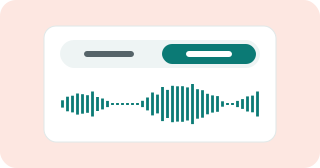
Hear 30 seconds free
Press Preview to remove white noise from audio in the first 30 seconds, with no account. Switch between Original and Cleaned, and between Full and Gentle.
Save the whole file
Sign in to remove white noise from audio across the full recording. One credit covers one minute.
Which White Noise Can You Remove?
To see what it takes to remove white noise from audio, we put white, pink and brown noise 10, 5 and 0 dB under a talk, measured the pauses and counted the words a transcript still found.
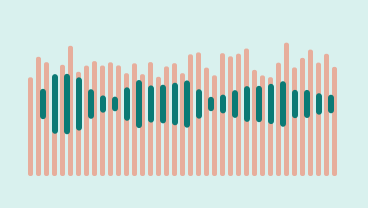
White noise and mic hiss
The flat hiss of a mic turned up too high is close to pure white noise. With it 10 dB under the voice, Full took the pauses down by 40 dB and Gentle by 19 dB, and all 37 words stayed. This is the easiest case when you remove white noise from audio.

Pink noise from sound machines
Many sound machines and rain apps play pink noise, which is heavier in the low end. When we remove white noise from audio of this kind, Full lowered it by 36 to 37 dB at 5 and 10 dB under the voice. At 5 dB a few words went soft: Gentle kept 33 of 37, Full 31.

Brown noise
Brown noise is a deep rumble, the setting people pick for sleep and focus: 44 to 48 dB lower on Full at every level we tried, with all 37 words kept, so you can remove white noise from audio even when it is the brown kind.

Hiss on old tape
On two 1970s office tapes the voice sits barely above the hiss, and the tool lowered both: speech fell as far as hiss. When the voice is buried this deep, removing white noise from audio takes the words with it.
Why Remove White Noise Here
A noise print in an editor removes one fixed hiss but blurs the voice if you push it. To remove white noise from audio here, the tool follows the voice instead, and you hear it first.
Hear it on your own recording
The free preview plays 30 seconds of your file, so you hear how well it can remove white noise from audio recorded with your own mic.
Full or Gentle
Pick how far to remove white noise from audio. Full takes the hiss down as far as it can; Gentle stops near 19 dB and leaves a little air.
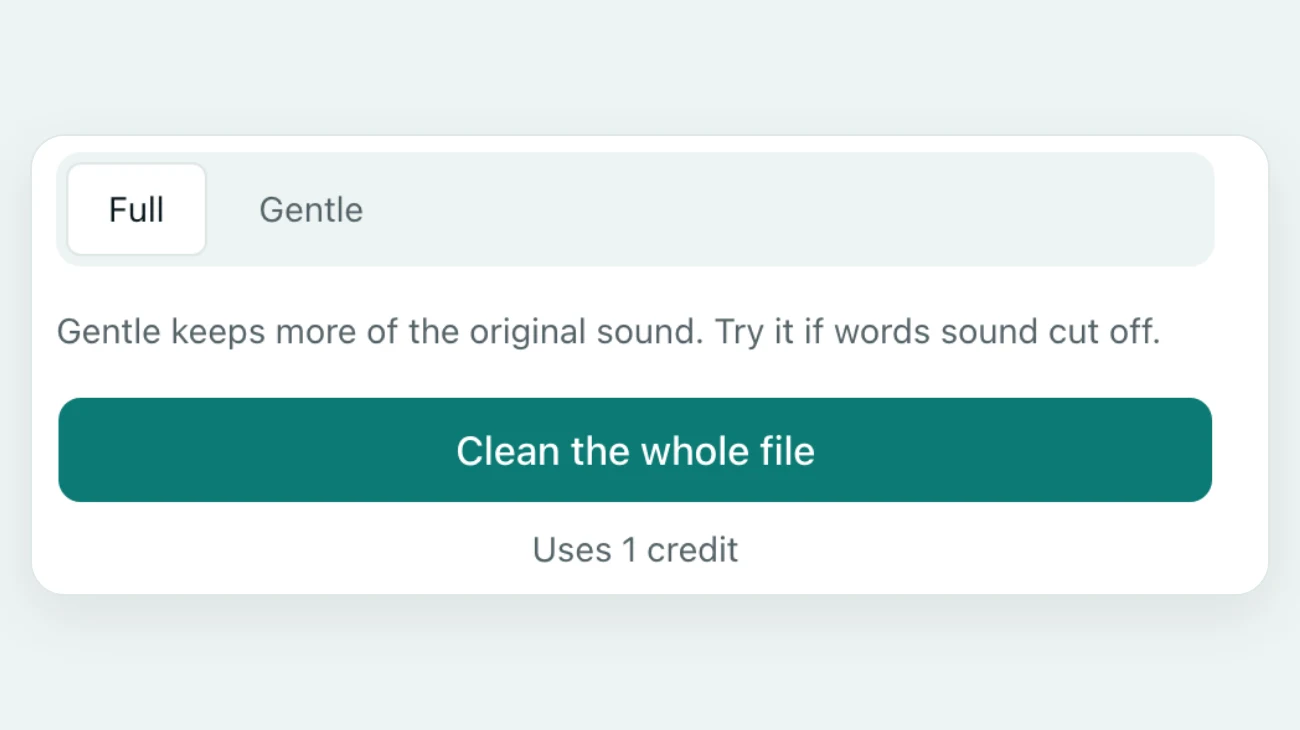
Remove white noise from video
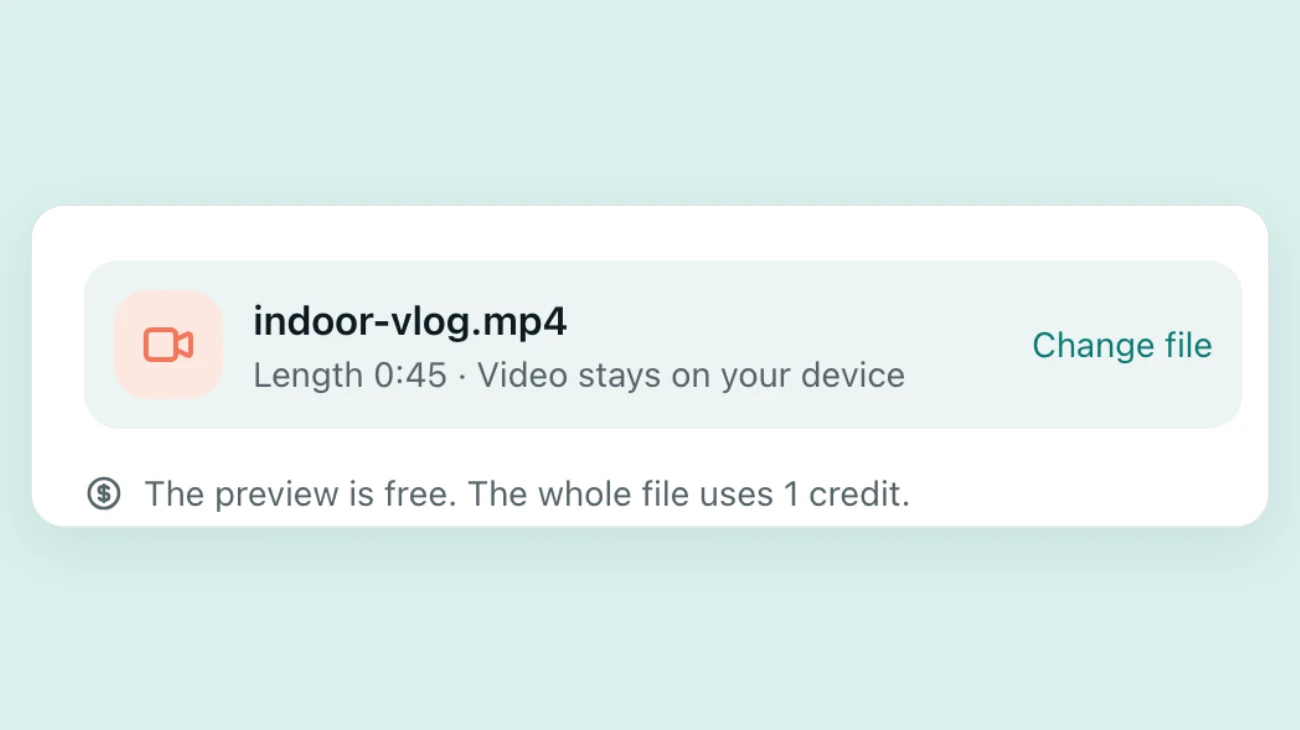
For a camera clip with a hissing built-in mic, the browser sends only the soundtrack and a few still frames; the footage stays on your device.
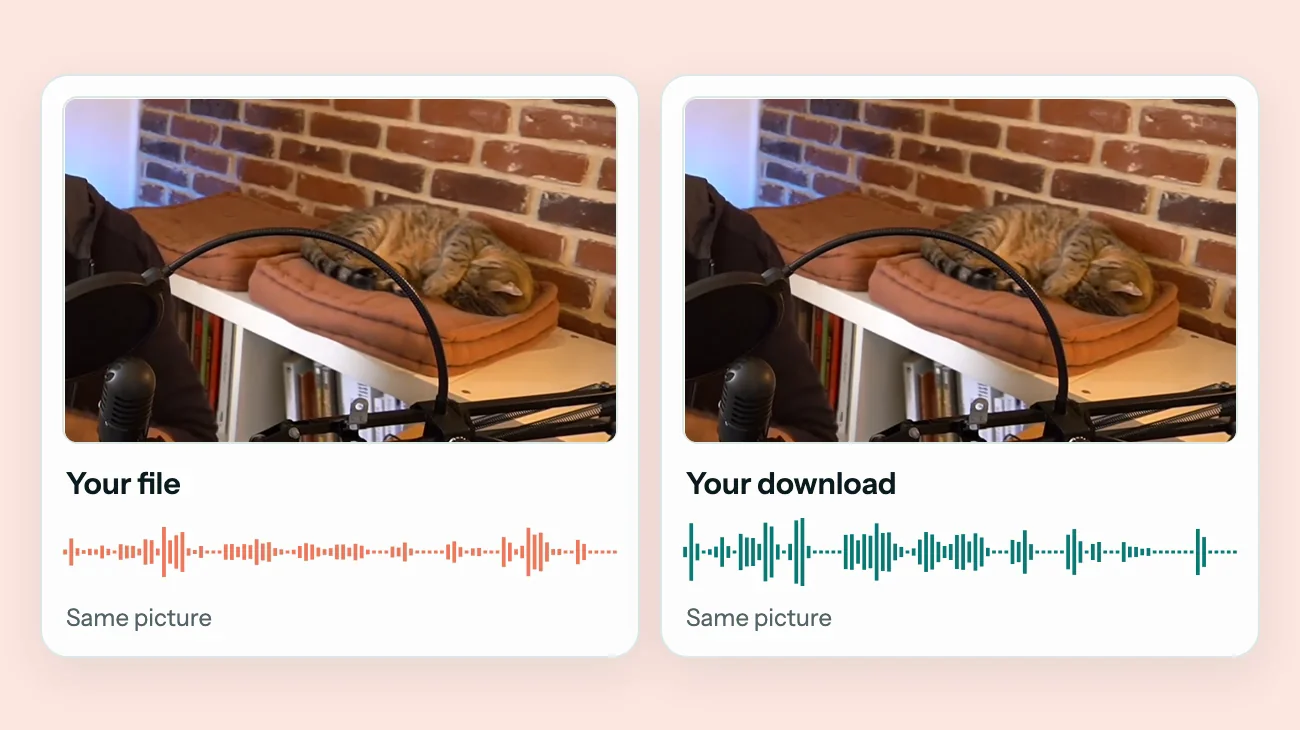
Same picture, cleaner sound
After you remove white noise from audio of a video, the clean soundtrack goes back in without compressing the picture again.
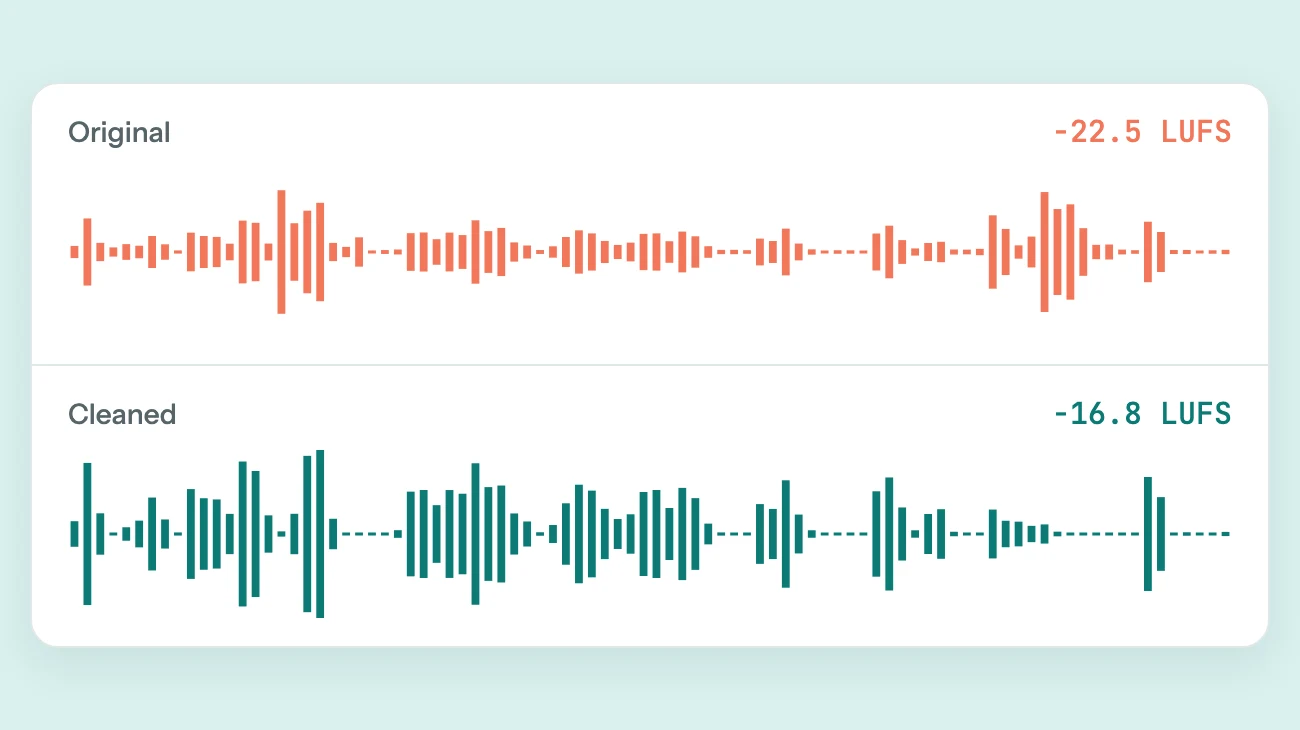
Leveled for listening
Quiet voices recorded with the gain turned up come back near -16 LUFS, so they are easy to hear once you remove white noise from audio.
Before and after
Remove White Noise from Audio: Before and After
Press play on three talks where we remove white noise from audio. Both versions play at the same volume, so you hear what was removed and not a change in level.
Steady hiss under a talk
The hiss fell about 40 dB in the pauses when we remove white noise from audio on Full, and all 37 words stayed. We added the white noise 10 dB under the talk ourselves.
Hiss as loud as the voice
Before we remove white noise from audio here, a transcript caught 31 of 37 words; after Full it caught 34, with the hiss about 46 dB lower. Our mix, level with the voice.
Brown noise, Gentle
With brown noise only 5 dB under the voice, Gentle can remove white noise from audio only partly: about 18 dB lower, all 37 words kept and a soft bed of sound left.



Recordings: Eugene Eric Kim (talk); white noise generated by us (CC0), Eugene Eric Kim (talk); white noise generated by us (CC0), Eugene Eric Kim (talk); brown noise generated by us (CC0)
Where White Noise Comes From
Knowing the source tells you what to expect when you remove white noise from audio, and how to get less of it next time.

Gain turned up too high
A quiet voice on a cheap or built-in mic makes you turn the input up, and the mic's own hiss rises with it. Move closer before you raise the gain, or remove white noise from audio after recording.
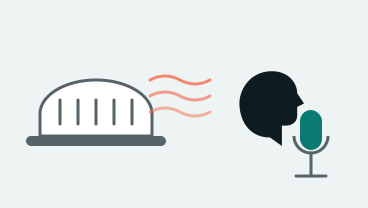
A sound machine in the room
Therapists, nurseries and open offices run white noise machines and air purifiers that a nearby mic records too. Switch it off or turn the mic away, then remove white noise from audio for what is left.
Camera and recorder preamps
Small cameras add hiss to quiet scenes, most of all when auto gain lifts the pauses. An external mic helps, and you can remove white noise from video afterwards.
FAQ
Questions About White Noise
Can I remove white noise from audio for free?
You can hear it free. The preview will remove white noise from audio in the first 30 seconds of your file with no account, a limited number of times per day. The full file uses credits, one per minute.
How do I remove white noise from video?
Choose the video and press Preview. Only the soundtrack is sent to remove white noise from audio, and the clean sound goes back into the same file.
How do I remove white noise from audio without hurting the voice?
Start with Full. If the hiss is as loud as the voice and some words sound thin, switch to Gentle: it stops near 16 to 19 dB and lost the fewest words in our tests.
Does it work on pink and brown noise?
Yes. Brown noise fell by 44 to 48 dB and pink noise by 30 to 37 dB on Full in our tests, so white noise removal works on all three colors.
Can it save an old tape that is mostly hiss?
Only if the voice is clearly above the hiss. On two old office tapes where it was not, the voice was lowered along with the noise. Preview first to hear whether you can remove white noise from audio on your tape; it costs nothing.
Can I keep a little room tone?
Yes, choose Gentle. It stops near 19 dB, so you remove white noise from audio only partly and the recording still sounds natural.
What happens to my files?
Uploads and results are deleted after 24 hours, and a video stays on your device. We never sell your files or train AI models on them.
Crackle or clicks rather than a steady hiss? See how to remove static from audio. A fan or an air conditioner? Learn how to remove fan noise from audio. Hiss on a camera clip? See how to remove background noise from video. Or open the main background noise remover.

Remove White Noise from Your Recording
Remove white noise from audio in the first 30 seconds, free and with no account.
Choose a fileRelated pages
- Remove Static from AudioClean hiss, radio static and light crackle from a voice recording
- Remove Background Noise from VideoClean street, indoor, lecture and speech videos without re-encoding the picture
- Remove Wind Noise from VideoTurn down gusts, mic rumble and breeze in outdoor clips and keep the voice
- Remove Buzz from AudioTake 50 or 60 Hz hum and electrical buzz out from under a voice