


Remove Background Noise from Voice Recording
Upload a voice memo, interview or call from your phone and hear 30 seconds with traffic and chatter turned down, free with no signup.
Original

Cleaned

Your cleaned preview plays here, next to the original
How to Remove Background Noise from a Voice Recording
Phones record everything around you: cars, a café, a fridge. To remove background noise from voice recording files, the tool keeps the speaking voice and lowers the rest.

Choose the recording
A voice memo, interview, lecture, voicemail or call, as M4A, MP3, WAV or OGG. The cost shows before you remove background noise from voice recording files.
Hear 30 seconds free
Press Preview to remove background noise from voice recording audio in the first 30 seconds, with no account. Switch between Original and Cleaned, and between Full and Gentle.
Save the whole file
Sign in to remove background noise from voice recording files from start to end. One credit covers one minute.
Which Voice Recordings Can You Clean?
We tried to remove background noise from voice recording files saved the way phones save them, plus two real interviews, then measured the pauses and counted the words a transcript found.

Voice memos outdoors
A rainy street 10 and 5 dB under a talk, saved as a 64 kbps M4A like a phone memo: Full lowered the pauses by about 45 dB, Gentle by 19 dB, and all 37 words stayed. Street sound is the easy case when you remove background noise from voice recording audio.

Café and restaurant chatter
Chatter is harder, because it is voices too. With the room 10 and 5 dB under the speaker, Full took it down by 21 and 17 dB and kept every word. As loud as the speaker, it fell 12 dB; Full kept 33 of 37 words, Gentle 35. Here you remove background noise from voice recording audio only partly.

Phone calls and voicemail
Call audio is cut to 8 kHz. With a café or a street behind the caller, Full lowered the pauses by 38 to 54 dB and lost one or two words; Gentle lowered them 18 to 19 dB and lost none. You can remove background noise from voice recording calls, but the treble the line dropped stays gone.

Interviews in a quiet room
On a real oral history interview, Full lowered the pauses by 15 dB and a transcript found 43 words instead of 39. In quieter parts it took off as little as 3 to 5 dB: those soft sounds were a second voice, breath and the room, which it keeps when you remove background noise from voice recording interviews.
Why Clean a Voice Recording Here
A noise print removes one fixed hum, but street sound and chatter change every second. To remove background noise from voice recording files here, the tool follows the voice, and you hear it first.
Hear it on your own recording
The free preview plays 30 seconds of your file, so you hear how well it can remove background noise from voice recording audio made on your own phone.
Full or Gentle
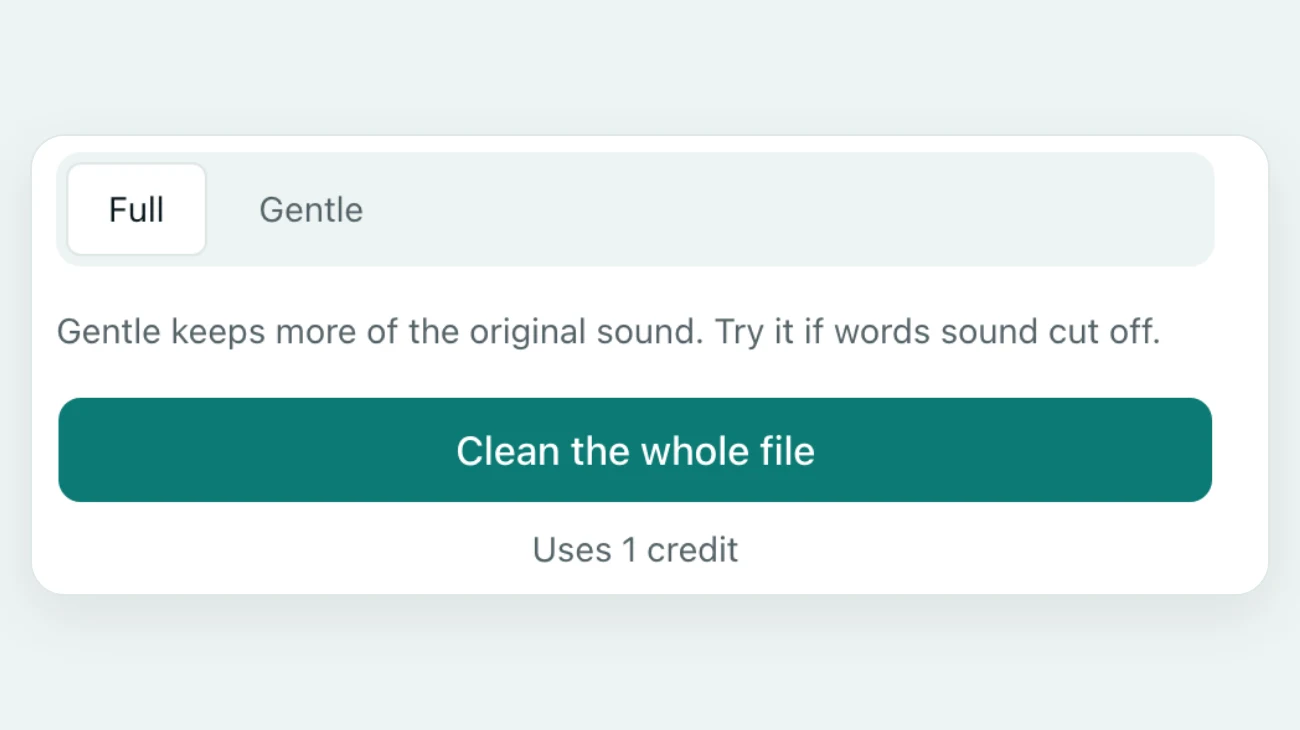
Pick how far to remove background noise from voice recording audio. Full takes the noise down as far as it can; Gentle stops near 19 dB and keeps a little of the place.
Quiet memos come back clear
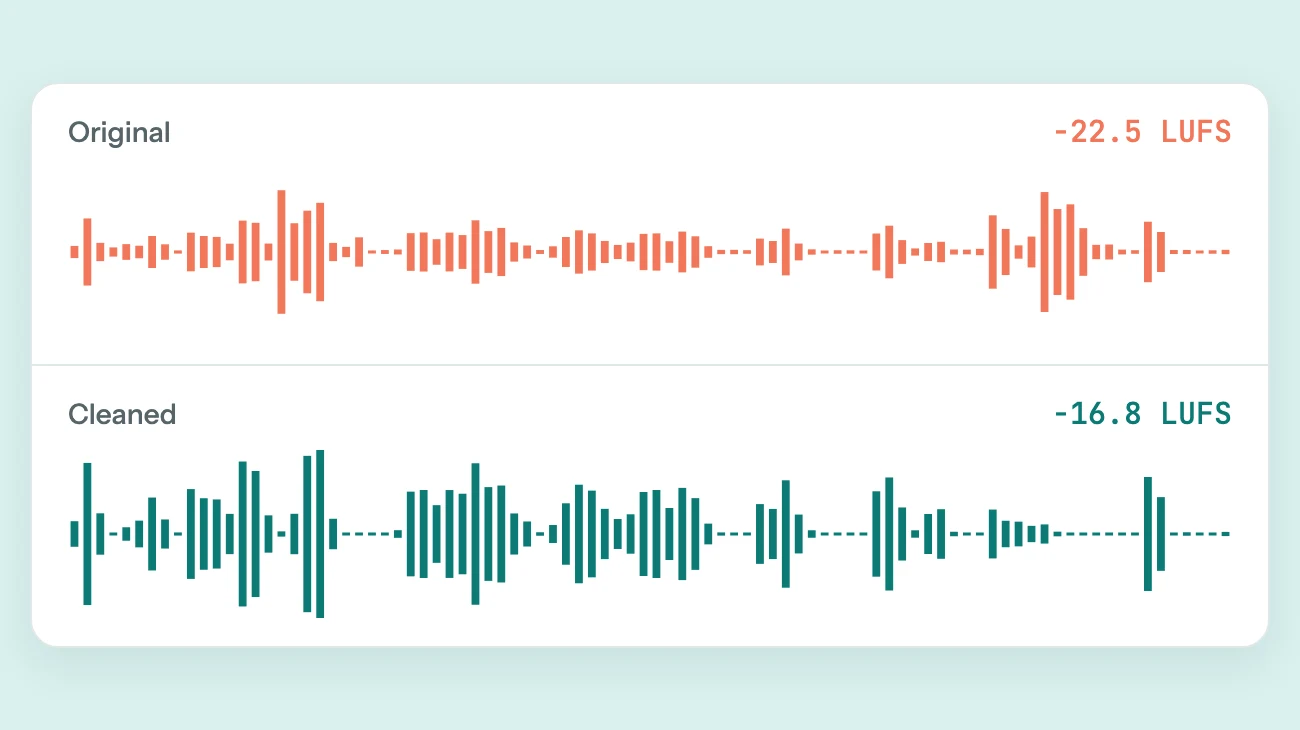
A memo recorded from across a table comes back near -16 LUFS, so the voice is easy to hear once you remove background noise from voice recording audio.
Recorded as a video?
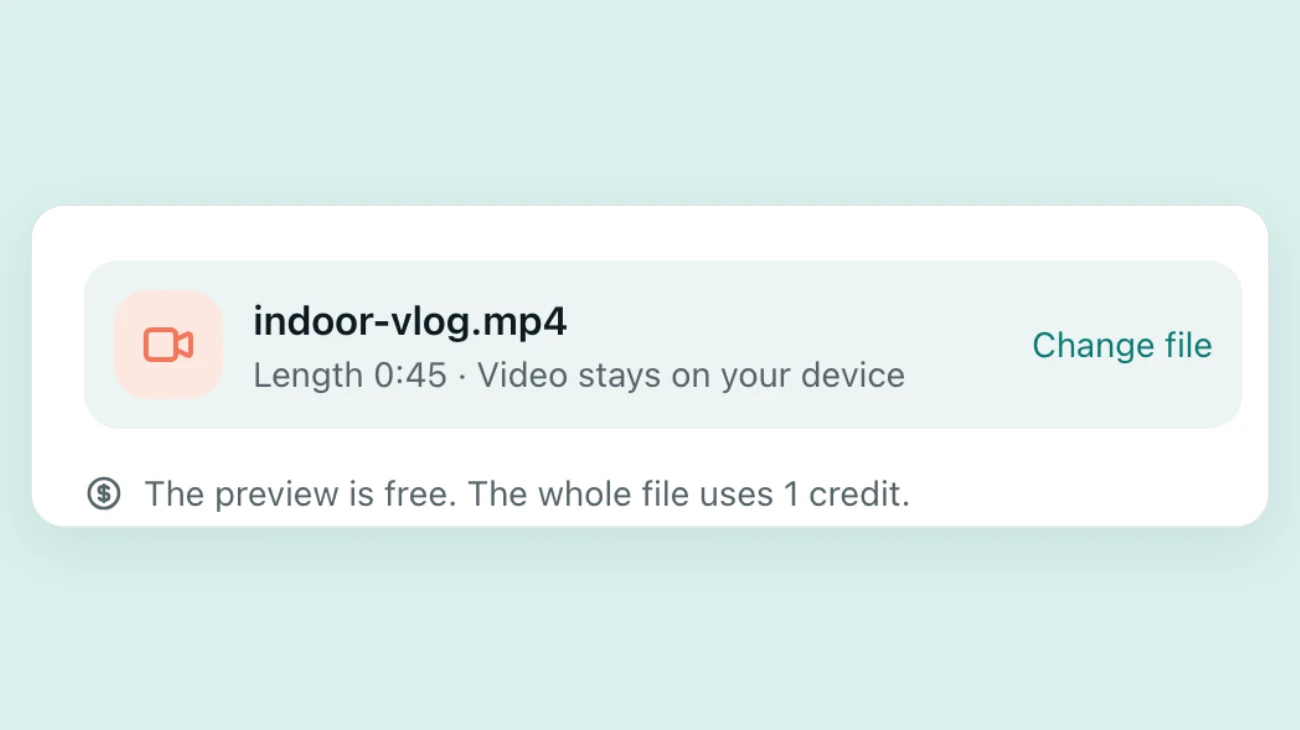
Filmed the talk instead? To remove background noise from voice recording video, the browser sends only the soundtrack and a few frames; the footage stays on your device.
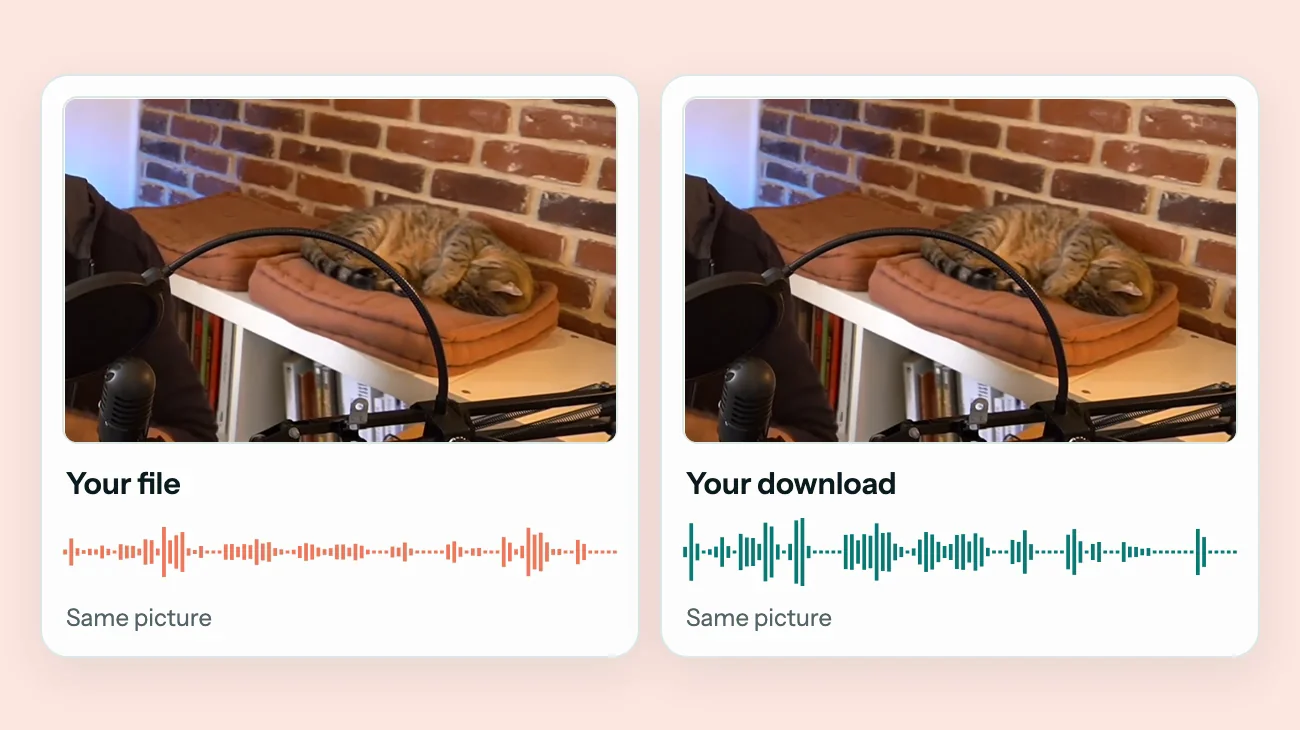
Same picture, cleaner voice
The clean soundtrack goes back into the video without compressing the picture again, so you remove background noise from voice recording clips and keep the footage.
Before and after
Remove Background Noise from Voice Recording: Before and After
Press play on three recordings where we remove background noise from voice recording audio. Both versions play at the same volume, so you hear what was removed and not a change in level.
Voice memo on a rainy street
When we remove background noise from voice recording audio on Full, traffic and rain fall about 45 dB in the pauses and all 37 words stay. Our mix, street 10 dB under the talk, saved as a 64 kbps M4A.
Café chatter behind the speaker
With the room 5 dB under the speaker, we remove background noise from voice recording audio on Full: chatter about 17 dB lower, every word kept, some murmur left. Our mix.
A real interview
An oral history recorded in Ireland, as it was. Full lowered the pauses by about 15 dB, and a transcript found 43 words instead of 39 after we remove background noise from voice recording audio.



Recordings: Extemporalist (rainy street, CC0); Eugene Eric Kim (talk) (CC0), stephan (restaurant, public domain); Eugene Eric Kim (talk) (CC0), A.-K. D. (oral history, James Delaney) (CC0)
Why Voice Recordings Pick Up So Much Noise
Knowing why gets you a cleaner take next time, and tells you what to expect when you remove background noise from voice recording files later.
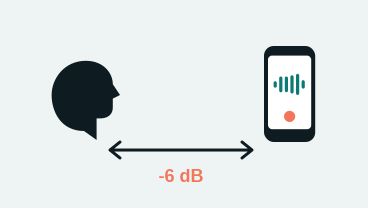
The phone is too far away
Each time you double the distance to the speaker, the voice drops about 6 dB while the room stays the same. Hold the phone close, or remove background noise from voice recording audio afterwards.

Auto gain lifts the pauses
Phones turn the level up when nobody talks, so traffic and fans swell between sentences. That is why noise seems loudest in the gaps, and why you can remove background noise from voice recording pauses so clearly.

A noisy place to talk
Cafés, cars and street corners put voices and engines right behind you. Face away from the noise, point the phone at the speaker, then remove background noise from voice recording audio for what is left.
FAQ
Questions About Cleaning Voice Recordings
Can I remove background noise from voice recording files for free?
You can hear it free. The preview will remove background noise from voice recording audio in the first 30 seconds with no account, a limited number of times per day. The full file uses credits, one per minute.
How do I remove background noise from voice memo files on a phone?
Open this page in your phone's browser and choose the file to remove background noise from voice recording audio there. On iPhone, share the memo from Voice Memos and save it to Files first; it is an M4A file.
Does it work on call recordings?
Yes, you can remove background noise from voice recording calls: Full lowered it 38 to 54 dB in our tests. If a word sounds clipped, use Gentle, which kept every word.
Will it remove other people talking?
Chatter goes down 12 to 21 dB, depending on how loud it is. A second voice as close as yours stays, because the tool keeps voices, so it cannot remove noise from voice recording files that is really another speaker.
Can I remove background noise from audio recording files that are not speech?
It is built for voices. Music or birdsong with no one talking is mostly lowered as noise, so it is not the tool to remove background noise from recording files like those.
Can it fix a recording made from across a room?
It lowers the noise but not the room's echo, so a distant voice still sounds distant. Preview first to hear whether you can remove background noise from voice recording audio like yours.
What happens to my files?
Uploads and results are deleted after 24 hours, and a video stays on your device. We never sell your files or train AI models on them.
A crowd cheering or talking behind you? See how to remove crowd noise from audio. Saved as an MP3? Learn how to remove background noise from MP3. Filmed it instead? See how to remove background noise from video. Or open the main background noise remover.

Remove Background Noise from Your Voice Recording
Remove background noise from voice recording audio in the first 30 seconds, free and with no account.
Choose a fileRelated pages
- Remove Static from AudioClean hiss, radio static and light crackle from a voice recording
- Remove Background Noise from VideoClean street, indoor, lecture and speech videos without re-encoding the picture
- Remove Wind Noise from VideoTurn down gusts, mic rumble and breeze in outdoor clips and keep the voice
- Remove Buzz from AudioTake 50 or 60 Hz hum and electrical buzz out from under a voice