


Background Noise Remover for Audio and Video
Hear 30 seconds cleaned free, then download the full file. Your video stays on your device; only audio and a few frames upload.
Original

Cleaned

Your cleaned preview plays here, next to the original
How to Use This Background Noise Remover
A background noise remover separates speech from unwanted sound such as fans, hum, wind and traffic, keeps the voice, and lowers everything else. Here it takes three steps.

Choose your file
Drop in a recording or a video. The background noise remover reads its length in your browser and shows how many credits the full file would use.
Hear a free preview
Press Preview to hear the first 30 seconds cleaned, with no account. Switch between the original and the cleaned sound, then try Full or Gentle.
Download the full file
If you like what the background noise remover did, sign in and clean the whole file. Audio downloads as a clean track. Video downloads with its original picture and the cleaned sound.
- 2 GBlargest file
- 60 minuteslongest file
- 30 secondsfree preview, no signup
- 24 hoursuntil your files are deleted
What This Background Noise Remover Does for Your Recording
This background noise remover is built for spoken voice: it lowers steady noise, keeps your picture untouched, and lets you check the result before you spend anything.
Your video stays on your device
Most online tools ask you to upload the entire video. This background noise remover takes the audio track out in your browser and uploads only that, plus a few still frames for a safety check. A 2 GB video can mean an upload of only a few dozen MB, so it starts sooner and your footage stays with you.
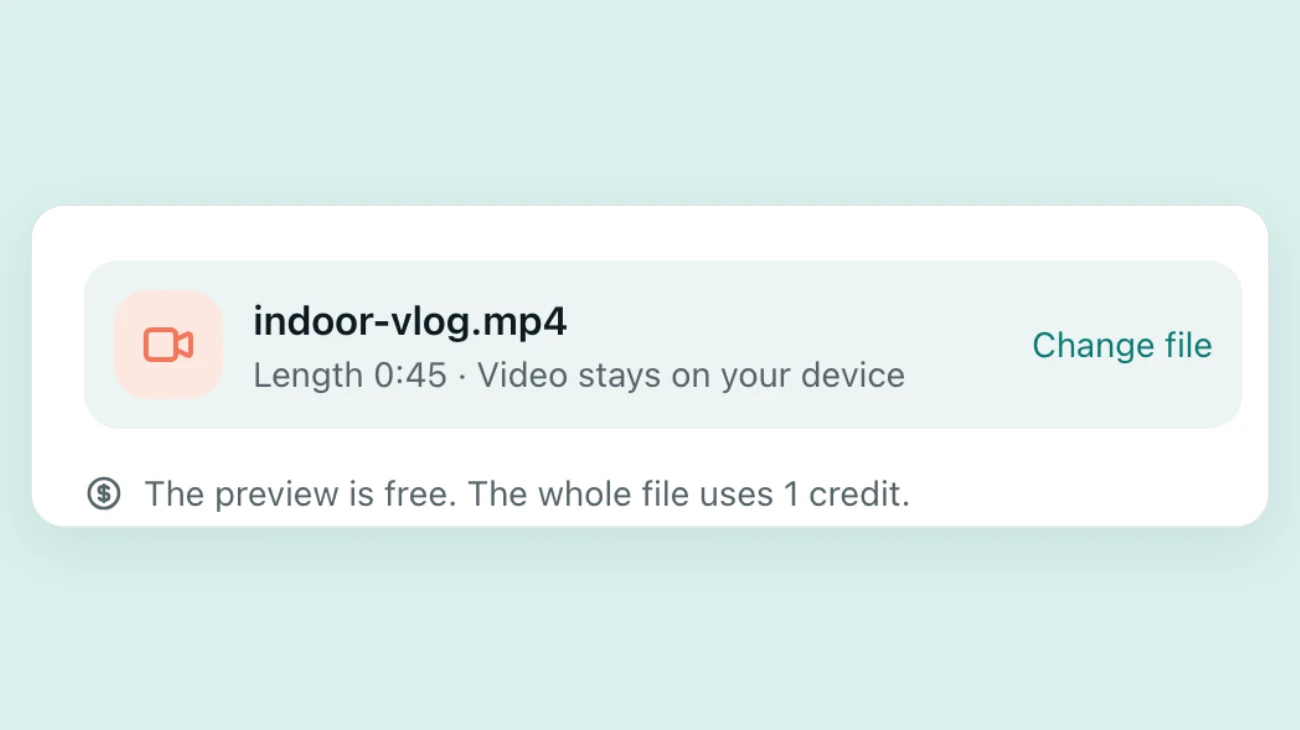
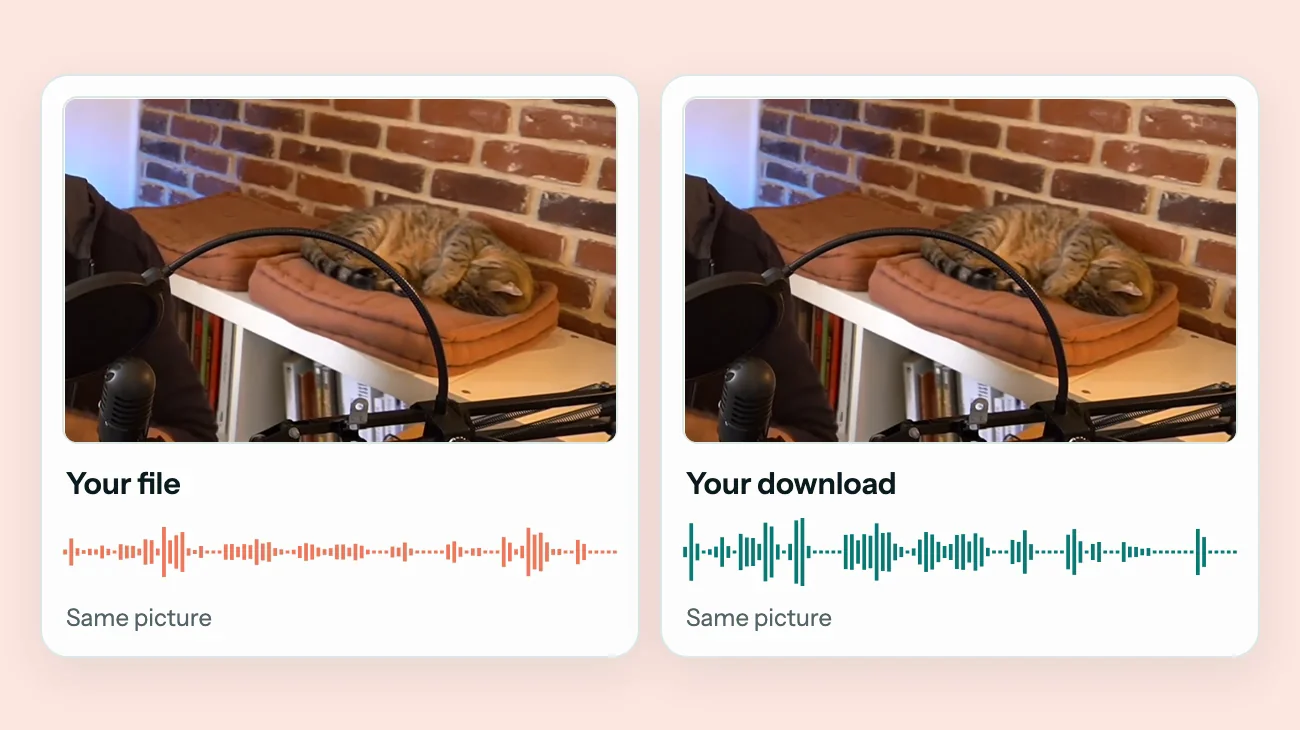
The picture is not re-encoded
When the cleaned sound is ready, your browser puts it back with the original picture. Nothing is compressed a second time, so the video you download has the same picture quality as the one you chose, and the sound stays in sync. A background noise remover should not cost you image quality.
Full or Gentle, your choice
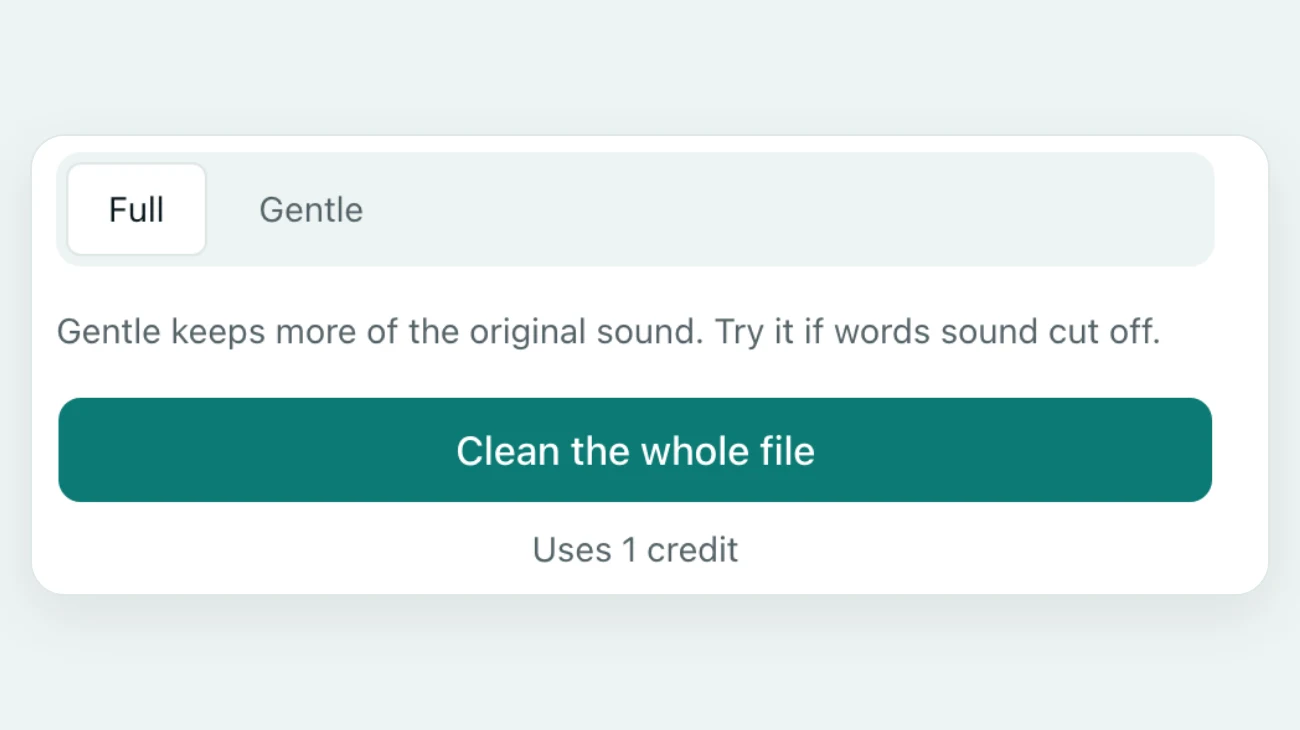
Full is the default and lowers noise as far as the background noise remover can. Gentle leaves more of the room in the recording, which suits faint voices and rough sources where Full can make words sound cut off. Compare both in the free preview before you use a credit.
Volume stays steady
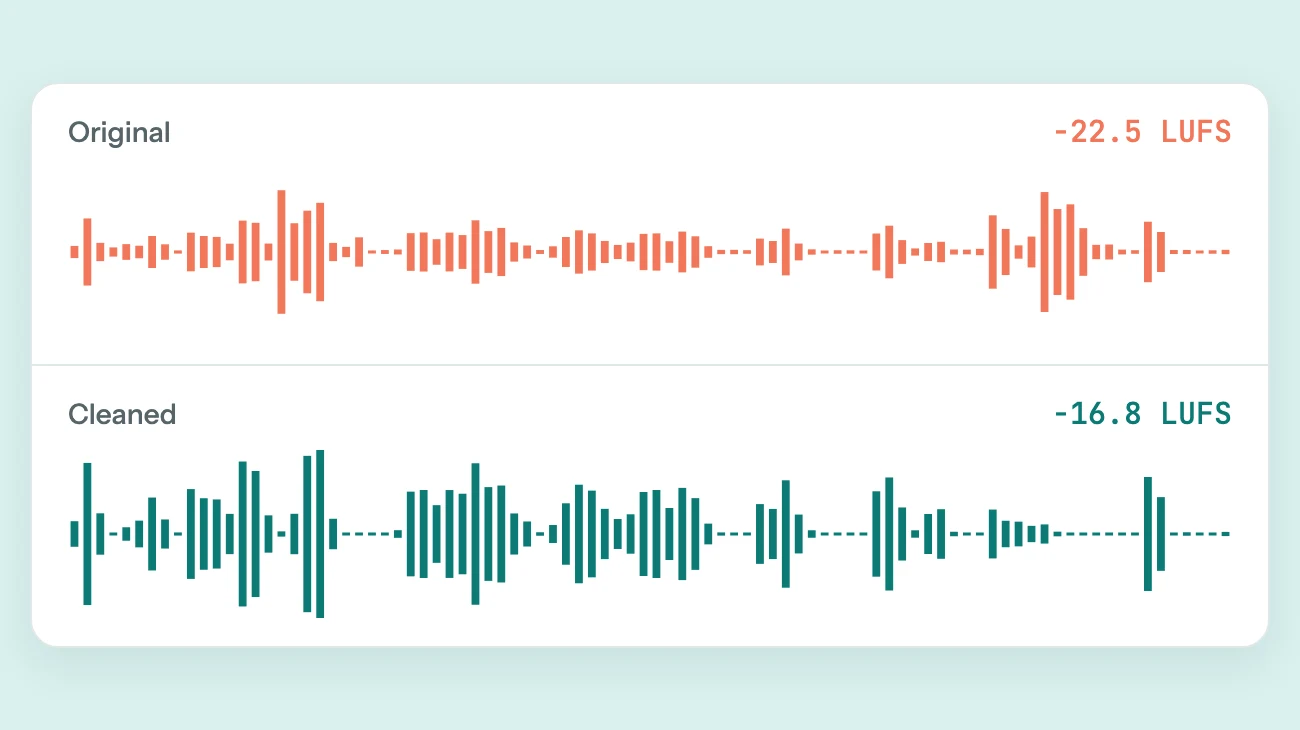
Cleaning can make a recording quieter. This background noise remover brings the result to a level near -16 LUFS, a common target for podcasts and online video, so you do not have to turn it up afterwards in an editor.
Hear it before you pay
The preview runs on your own recording, not on a demo clip. A short test tells you more than any sample: within a minute you know whether this background noise remover suits your microphone, your room and your voice.
Who Uses a Background Noise Remover
A background noise remover helps when the take is good but the room was not, and recording again would cost more than the fix.

Podcasters
Clear fan noise, air conditioning and hiss from an episode recorded at home. The background noise remover handles a full 60-minute episode in one file.

YouTube and short video creators
Run a talking-head video or a vlog through the background noise remover without opening an editor. Upload nothing but the sound, then post the same video with a clearer voice.
Teachers and course makers
Lectures and lessons are long and hard to record twice. Use the background noise remover to lower the room noise, so that students hear the explanation and not the projector fan.

Interviewers and reporters
Street interviews pick up traffic and passers-by. Run the take through the background noise remover to bring the speaker forward before you edit it.
Before and after
Background Noise Remover Before and After
Press play and switch between the two versions. These are real recordings cleaned by this background noise remover at the default setting, with only the level evened out.
Sideline interview
Wind and crowd sound drop away and the coach stays clear.
Indoor vlog
Low room rumble is gone and the speaker stays natural.
Talking to camera
Room sound fades and the voice stays even.



Sample recordings and video frame: Patrick Gillett (CC BY-SA 4.0), Joseph Urcino (CC BY 4.0), David Revoy (CC BY 4.0)
Background Noise Remover Pricing
One credit cleans one minute of audio or video. Try 30 seconds free, then pay once for a pack or subscribe if you record every week.
Secure checkout
Payments are processed by Stripe over an encrypted connection. We never see or store your card number.
Taxes are added at checkout where they apply. Failed jobs return their credits.
- Encrypted payment
- Card details handled by Stripe
FAQ
Background Noise Remover Questions and Answers
What does a background noise remover do?
A background noise remover lowers sounds that are not speech, such as fan noise, electrical hum, hiss, wind and traffic, and keeps the voice. You upload a recording and get the same recording back with the noise reduced. You do not have to learn an editor or pick a noise sample by hand first.
Is this background noise remover free?
The preview is free and needs no account: you hear the first 30 seconds of your own file cleaned. Downloading a full file uses credits, and one credit cleans one minute. Free previews are limited per day for each visitor and across the site, so they can run out on a busy day.
How do I remove background noise from a video without uploading it?
Choose the video here and press Preview. The background noise remover takes the audio track out inside your browser and uploads only that, plus a few still frames for a safety check. After cleaning, your browser joins the new sound to your original picture on your device. The video file itself never leaves it.
Which noises can it remove?
The background noise remover works best on steady sound behind one clear voice: fans, air conditioning, hum, hiss, wind, traffic and street noise. It reduces echo and room reverb but does not take them away completely. Results are weaker on old phone calls, very old recordings, voices far from the microphone, and online meeting recordings that were already filtered.
Why do some words sound cut off?
On a faint or low-quality voice, the Full setting can treat parts of a word as noise. Switch to Gentle and preview again. Gentle lowers the noise less, but it keeps far more of the speech in those recordings. If a file still sounds wrong on both settings, this background noise remover may not suit that source.
Will the background noise remover lower my video quality?
No. The picture is not re-encoded, so it stays exactly as it was in your file. Only the sound changes. The length stays the same and the sound stays in sync with the picture. You can also download the cleaned audio on its own if you would rather put it back in your editor.
How long does it take?
In our tests the background noise remover cleaned a 1-minute file in about 11 seconds, a 5-minute file in about a minute, and a 20-minute file in three to four minutes. The first job after a quiet spell can add a few seconds. Upload time depends on your connection, but video stays quick because only the sound is sent.
How do credits work?
One credit lets the background noise remover clean one minute of audio or video, and a part of a minute counts as a full minute. The tool shows the cost before you start. If a job fails, its credits come back automatically. Credit packs last 12 months and never renew. Plans add credits each month until you cancel.
What happens to my files?
When you use the background noise remover, your uploaded audio and the result are deleted automatically after 24 hours, so download your file before then. Your video is not uploaded. We check still frames from videos against our content rules and do not keep the frames. We do not sell your files or use them to train AI models.
Can it clean music or singing?
No. This background noise remover is built for speech, so it treats instruments and much of a singing voice as noise and can lower them too. Use it on spoken recordings. If your video has background music you want to keep, this is the wrong tool for that part.

Try the Background Noise Remover on Your Own File
Thirty seconds of your own recording, cleaned for free, with no account.
Choose a file