


Remove Buzz from Audio Online
Upload a recording with hum or electrical buzz, hear 30 seconds cleaned free with no signup, and keep every word.
Original

Cleaned

Your cleaned preview plays here, next to the original
How to Remove Buzz from Audio in 3 Steps
To remove buzz from audio is to take out the steady electrical tone that a cable, charger or light adds under a voice: 50 or 60 Hz hum and its sharp overtones. Here you remove buzz from audio without setting a notch filter.

Choose the humming file
Drop in the MP3, WAV or M4A, or the video the hum is on. You see the cost in credits before anything is sent.
Hear the drone stop
Press Preview to remove buzz from audio in the first 30 seconds, free and with no account. Switch between Original and Cleaned.
Save the whole recording
Sign in to remove buzz from audio across the full length, then download it.
What Kind of Hum and Buzz Can You Remove?
We put four electrical noises under two clean speeches, once as loud as the voice and once 10 dB below it. Then we measured how far we could remove buzz from audio in the pauses.

60 Hz mains hum
The low drone of North American power, and the most common reason to remove buzz from audio. As loud as the voice, Full took the hum tones from -20 dB to -49 dB, back where they were before we added hum, and all 31 words stayed.

50 Hz hum
The same drone on European and most Asian power, and you remove buzz from audio at 50 Hz the same way. Ten dB under the voice it fell from -28 dB to -55 dB; as loud as the voice it fell 20 dB, still about 7 dB above the clean take.

Ground loop buzz
A harsh buzz with dozens of overtones, from a laptop on its charger or two devices on different outlets. It was the easiest to remove buzz from audio for: as loud as the voice, it fell 36 to 39 dB.

Dimmer and light buzz
A 120 Hz buzz from dimmers, transformers and old fluorescent tubes. Ten dB under the voice, the tones fell by 23 to 29 dB, and the transcripts matched apart from three words cut off at the end of one clip.
Why Remove Buzz from Audio Here
In an editor you remove buzz from audio with a notch filter at 50 or 60 Hz plus one for each overtone, or a buzz remover plugin, and tune each by ear.
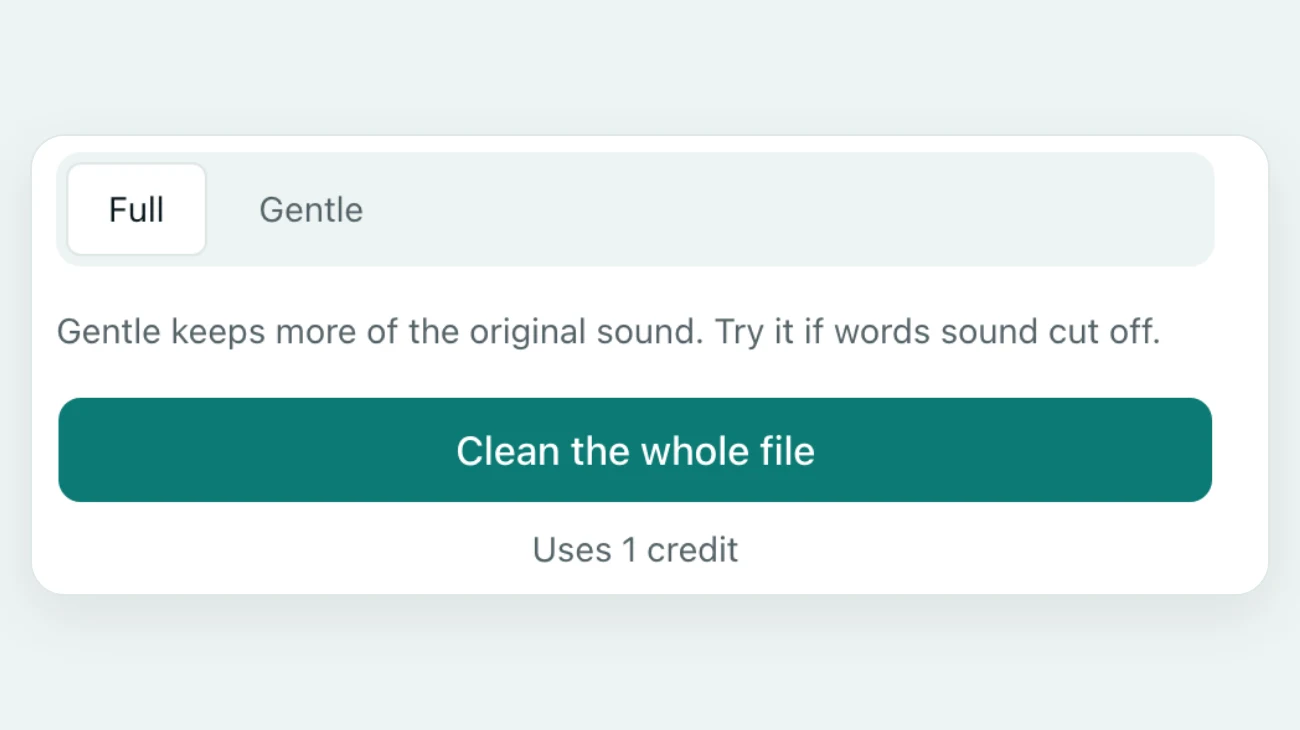
Full is the setting for hum
Hum never pauses, so the strongest setting suits it. To remove buzz from audio this loud, Full cut the hum by 29 to 39 dB; Gentle stops near 20 dB and left it easy to hear.
No frequency to look up
A notch filter needs the exact frequency, and 50 Hz needs different notches from 60 Hz. Here you remove buzz from audio by ear: play the preview and listen for the drone.
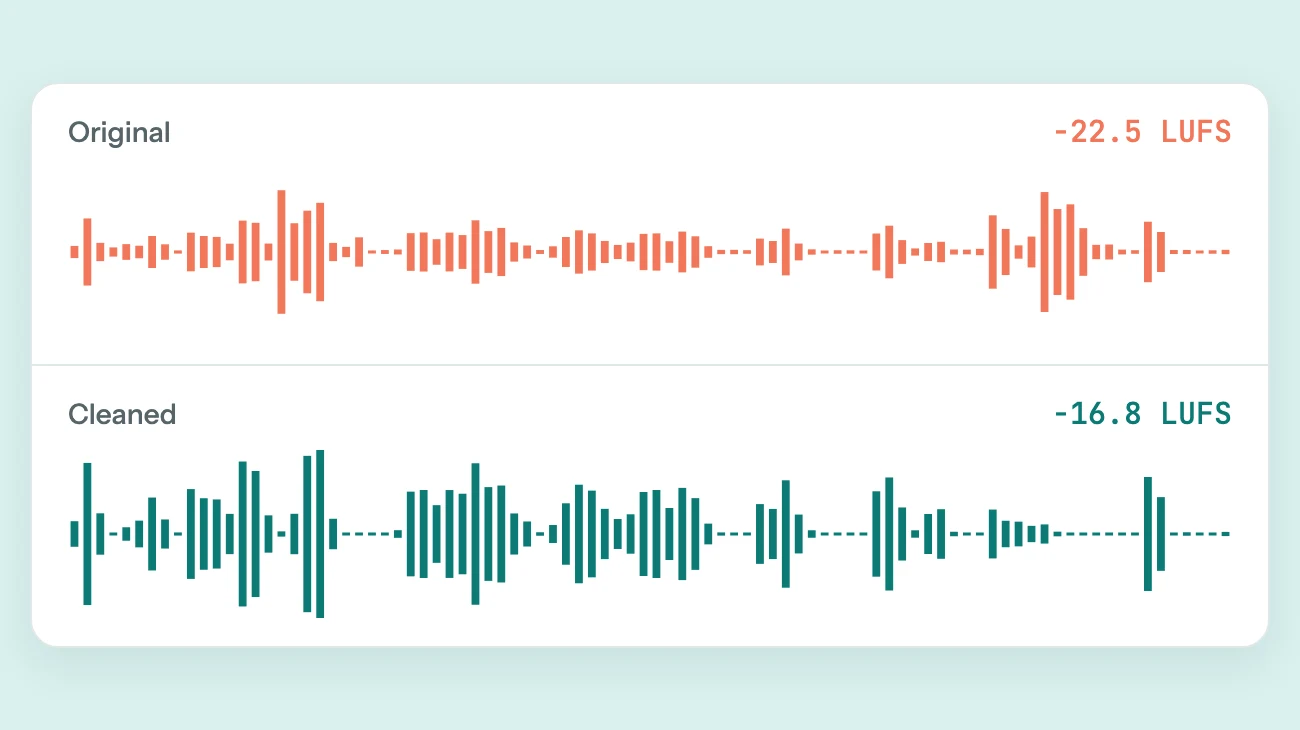
The voice comes back at a set level
After you remove buzz from audio, the result is set to about -16 LUFS, the loudness most podcast apps use.
Hum on a camera clip? The footage stays home
For a video, your browser sends only its sound and a few still frames. The picture is never uploaded to remove buzz from audio.
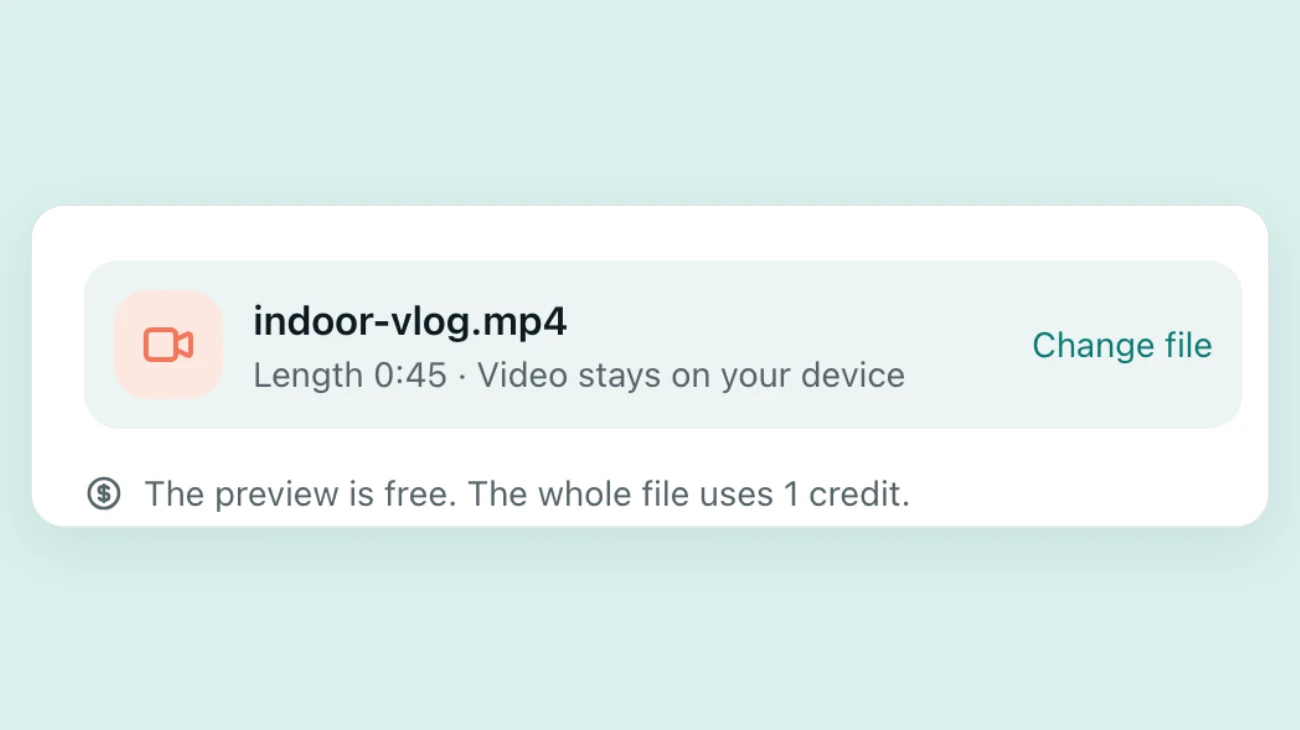
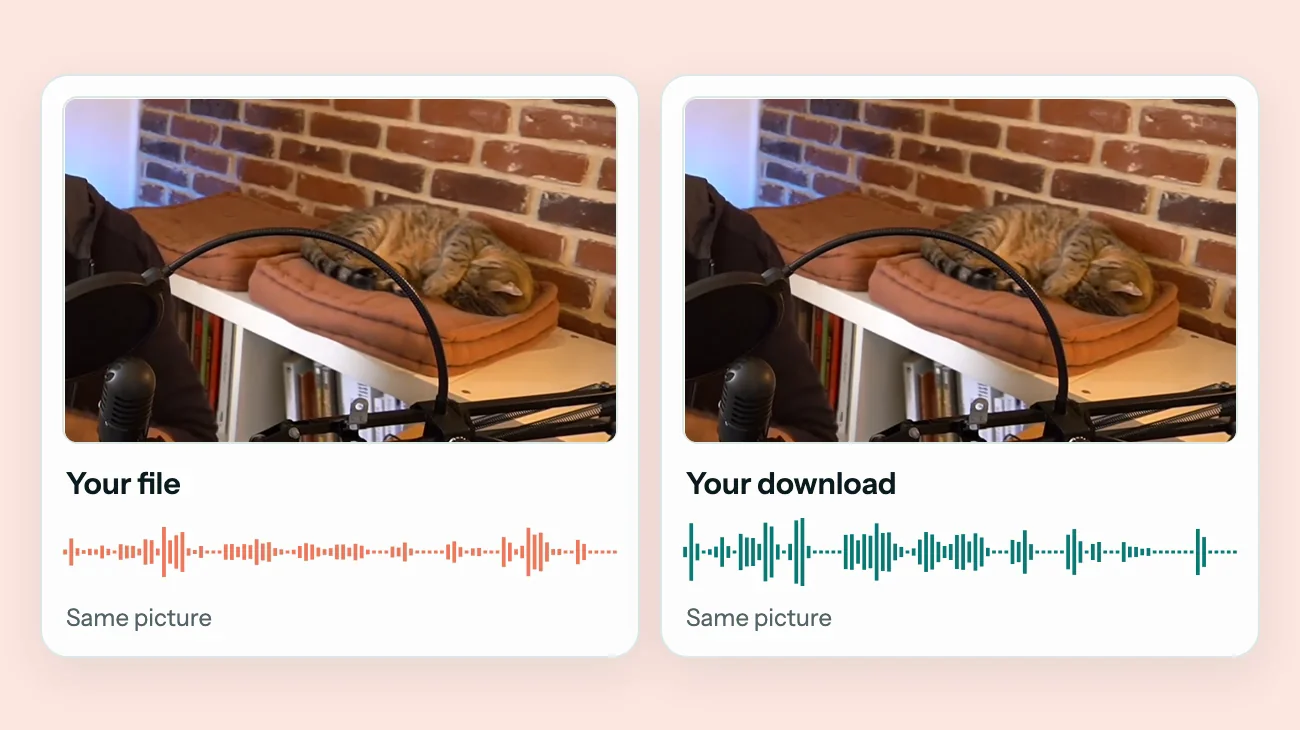
The picture is not compressed again
After you remove buzz from audio in a video, the sound goes back next to the original frames, in sync, and the image looks exactly as you filmed it.
Before and after
Remove Buzz from Audio: Before and After
Press play to hear how we remove buzz from audio. We added the hum and buzz to clean speeches ourselves.
60 Hz hum as loud as the voice
A mains drone at the level of the speech. The hum fell 29 dB, down to the quiet of the room, and all 31 words stayed.
Ground loop buzz as loud as the voice
A raspy buzz with overtones up to 4.8 kHz. It dropped about 39 dB, and the transcript read the same as before cleaning.
50 Hz hum under a sermon
A European mains hum 10 dB below the voice. It fell about 27 dB, and all 41 words stayed.



Speech recordings: ImaginingtheInternet (CC BY 3.0), First Unitarian Church of Providence (CC0), First Unitarian Church of Providence (CC0)
Where Hum and Buzz Come From, and How to Stop Them
No buzz remover beats a quiet source. Find the cause and you will rarely need to remove buzz from audio again.
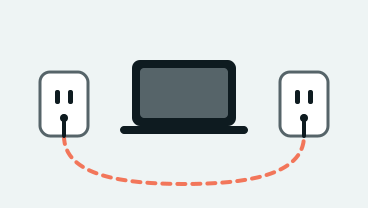
A ground loop
Two devices on different outlets, or a laptop charging while it records, push current through the audio cable. Record on battery or use one power strip.
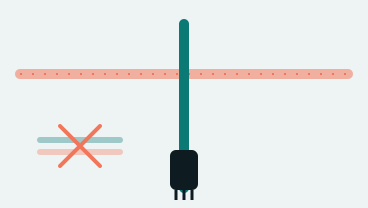
Audio cables beside power cords
An unbalanced cable lying along a power lead picks up its 50 or 60 Hz field. Cross power cords at a right angle, or use a balanced XLR cable.
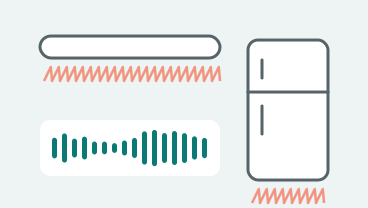
Dimmers, fridges and old lights
Light dimmers, fluorescent tubes and fridge motors put a 120 Hz buzz into nearby mics. Switch them off for the take.
FAQ
Questions About How to Remove Buzz from Audio
Can I remove buzz from audio free?
You can hear it free: press Preview to remove buzz from audio in the first 30 seconds, with no account. The preview is for listening only and limited per day. The full file uses credits; one credit cleans one minute.
How do I remove hum from audio?
The same way. Hum is the low 50 or 60 Hz drone; buzz adds sharp overtones on top. One pass takes out both, so you can remove hum from audio without knowing which you have.
Is this better than a notch filter or a hum removal plugin?
A notch filter in Audacity or a hum removal plugin gives exact control offline, but you set each frequency yourself. Here there is nothing to install or set: you remove buzz from audio and judge the preview by ear.
Can I remove buzzing from audio in a video?
Yes. Choose the MP4, MOV or WebM and remove buzzing from audio the same way; the picture is not compressed again.
Can it remove buzz from a guitar or a song?
It is made for speech and treats music as noise, so on a song the music would go with the buzz. Use it to remove buzz from audio in podcasts, interviews, lectures and voice-overs.
What happens to my files?
When you remove buzz from audio here, uploads and results are deleted after 24 hours, and a video stays on your device. We never sell your files or train AI models on them.
Hiss instead of hum? See how to remove static from audio. Several problems in one file? Learn how to clean up audio. Or open the main background noise remover.

Remove Buzz from Your Own Recording
Remove buzz from audio in the first 30 seconds and hear it, free and with no account.
Choose a fileRelated pages
- Remove Static from AudioClean hiss, radio static and light crackle from a voice recording
- Remove Background Noise from VideoClean street, indoor, lecture and speech videos without re-encoding the picture
- Remove Wind Noise from VideoTurn down gusts, mic rumble and breeze in outdoor clips and keep the voice
- Clean Up AudioTake the noise out of a voice recording and set its volume in one pass