


Remove Background Noise from Video Online
Choose an MP4, MOV or WebM file, hear 30 seconds cleaned free with no signup, and keep the picture on your device.
Original

Cleaned

Your cleaned preview plays here, next to the original
How to Remove Background Noise from Video in 3 Steps
To remove background noise from video is to turn down the traffic, fans, crowd and room sound in its audio track while the voice and the picture stay as they were. Here you remove background noise from video without an editor or a timeline.

Pick the video
Drop an MP4, MOV or WebM clip into the box. Your browser reads its length and shows the credits the whole video would take before anything is sent.

Preview 30 seconds
Press Preview to remove background noise from video in its first 30 seconds, free and with no account. Flip between Original and Cleaned, and try Gentle if words sound cut.

Download the full video
Sign in to remove background noise from video from start to end. Your browser joins the cleaned sound to the untouched picture and saves the new file.
Which Videos Can You Clean? What We Measured
We tried real clips from a street, a room, a lecture and a hall. You remove background noise from video best when one person talks and the noise sits behind them.

Street and outdoor interviews
We used Full to remove background noise from video shot on a New York street, with a crowd about 5 dB below the speaker. Quiet moments went from -15 dB to -48 dB, and 48 of 51 words stayed.

Talking-head videos and vlogs
Fans and air conditioning are the easiest case to remove background noise from video. In an indoor interview the pauses fell from -39 dB to -53 dB, and every word stayed.

Lectures and screen recordings
Projector and room hum stay the same for an hour, so it is simple to remove background noise from video lessons. On a chemistry lecture the hum dropped about 39 dB with no words lost.

Speeches in a big hall
Echo and a crowd can sound like speech to the tool. On a hall speech, Full cut the first sentence short. Gentle kept all 48 words and still lowered the room by about 16 dB.
Why Remove Background Noise from Video Here
CapCut, Premiere Pro and Canva can remove background noise from video inside their editors. This page is for when you only need the voice clearer and the file back as it was.
The video file stays with you
Most online tools want the whole clip. Here you remove background noise from video by sending only its sound: a 2 GB video means a few dozen MB of audio, plus a few still frames for a safety check.
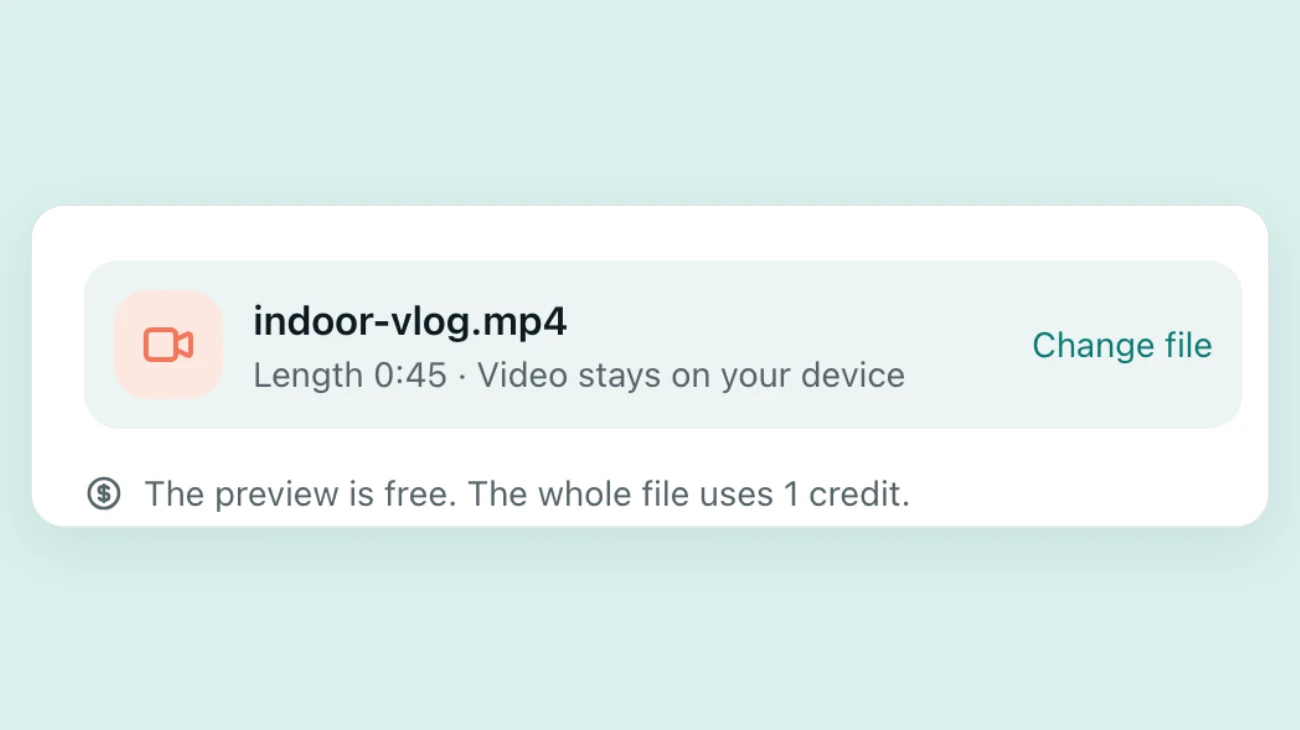
The picture is never re-encoded
When you remove background noise from video here, only the sound is replaced. We compared the picture data of 11 test clips before and after, frame by frame, and every frame matched byte for byte.
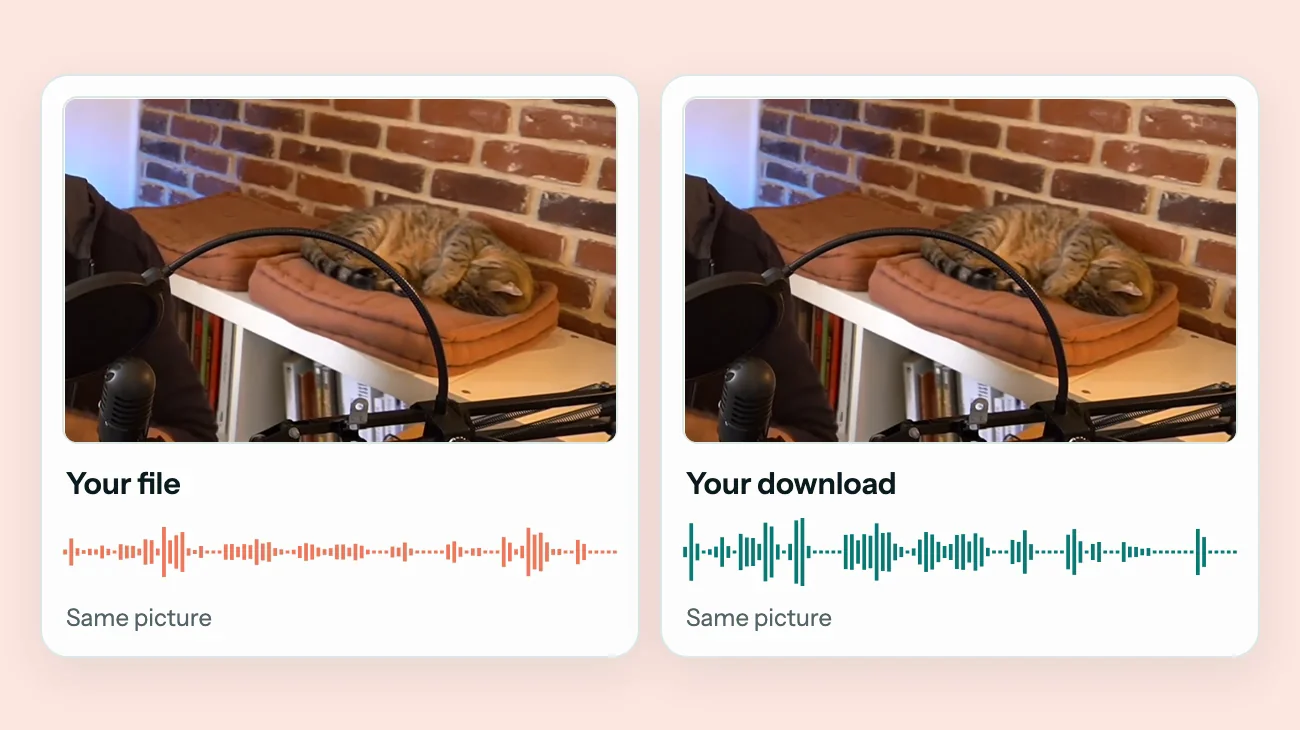
Hear your own clip first
The preview plays your own sound, not a demo, so within a minute you know whether to remove background noise from video this way for your microphone and room.
Gentle for crowds and halls
Full lowers noise as far as it can. Gentle stops at about 20 dB, which keeps a distant or echoing voice whole when you remove background noise from video shot in a hall.
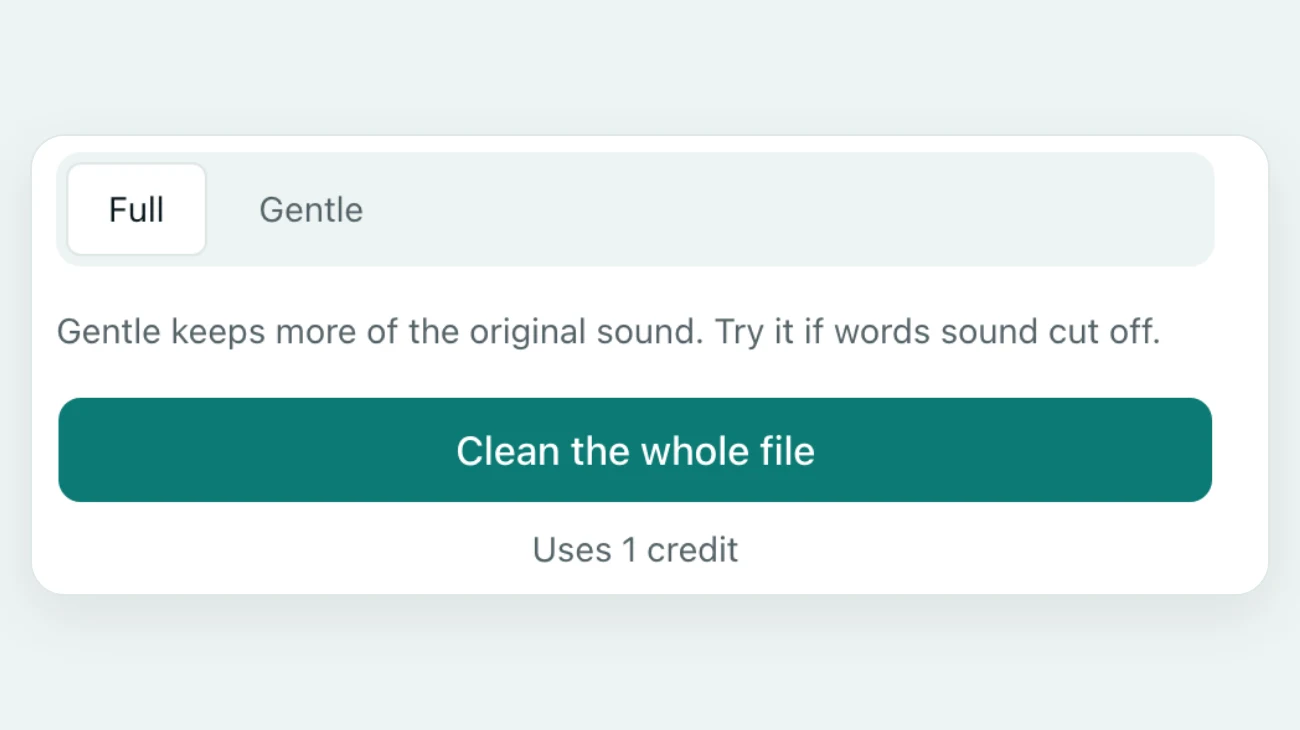
Sound at a steady level
Cleaning can leave a clip quieter. After you remove background noise from video here, the sound is brought to about -16 LUFS, a common level for online video.
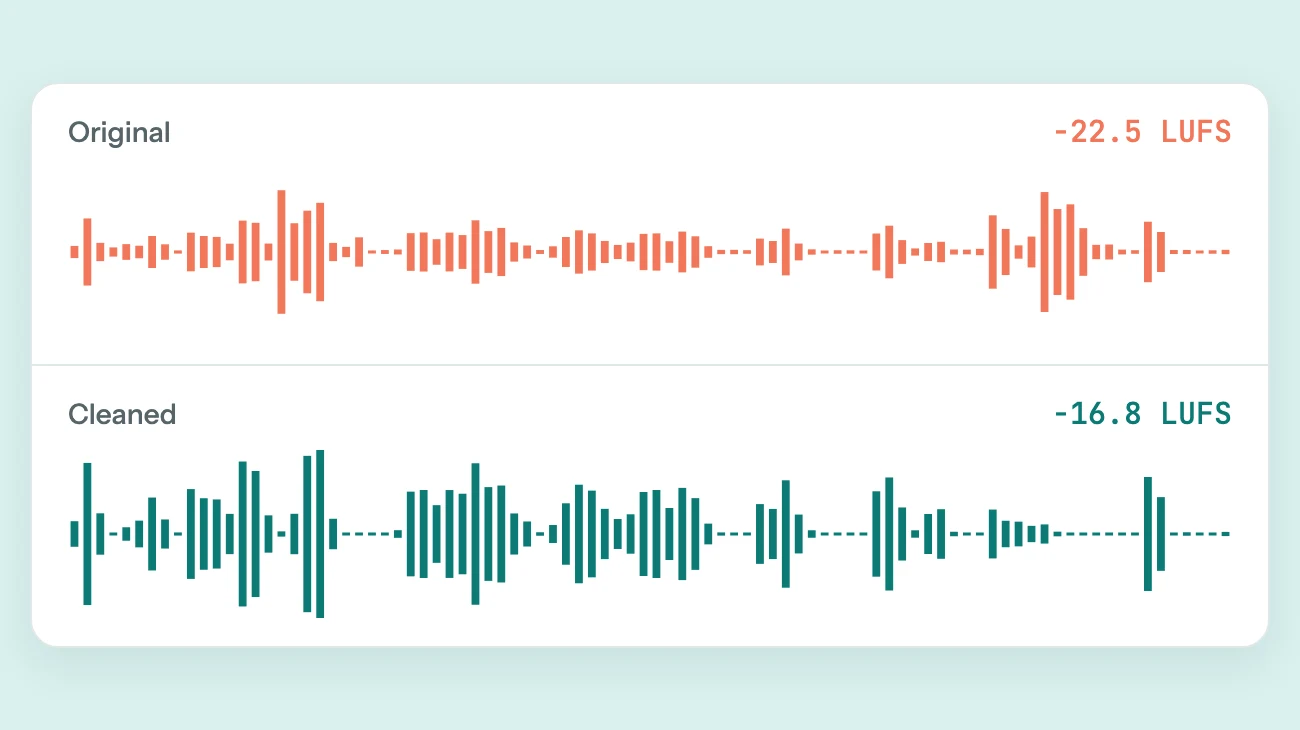
Before and after
Remove Background Noise from Video: Hear Three Real Clips
These are the sound tracks of three real videos. Press play to hear how we remove background noise from video, then switch versions. The hall speech used Gentle.
Street interview, New York
Traffic and a crowd behind the speaker. Full pushed the street back so the voice leads.
Interview filmed indoors
A steady room noise under a calm voice. We used Full to remove background noise from video like this: the pauses went close to silent and every word stayed.
Speech in a hall, on Gentle
Cheering and echo around a speaker. Gentle kept the whole speech, where Full lost the opening words.



Sample videos: wonkaquarius (CC BY 3.0), LibreOffice - The Document Foundation (CC BY 3.0), DaTechGuyBlog (CC BY 3.0)
What Happens to Your Video File
When you remove background noise from video here, three things stay the same as in the file you chose.

The picture stays on your device
To remove background noise from video, only the audio track and a few still frames go to our server.

MP4 back, or WebM back
MP4 and MOV clips come back as MP4, and a WebM stays a WebM, so the file opens where it did before.
Sound and picture in sync
On 8 test videos the new sound sat exactly where the old one was, and a 60-minute file checked at five points was off by 0 ms.
FAQ
Questions About How to Remove Background Noise from Video
Can I remove background noise from video free?
You can hear it free. Drop the clip in and press Preview to remove background noise from video in the first 30 seconds, with no account. The preview is for listening only and is limited per day. The full video uses credits: one credit cleans one minute.
How do I reduce background noise in video without losing the voice?
Start with Full, the default, and listen to the preview. If the speaker sounds cut off or far away, switch to Gentle, which stops at about 20 dB. Gentle is the better choice for halls, crowds and quiet speakers.
Is this better than CapCut, Premiere Pro or Canva?
It is quicker to try, but it is not an editor. CapCut has Noise reduction, Premiere Pro has DeNoise and Canva has Enhance Voice, all inside a timeline. Use this page to remove background noise from video when the clip is already edited and only the sound needs fixing.
Will the video lose quality?
No. When you remove background noise from video here, the picture is copied, not decoded and compressed again, so it keeps the quality you filmed.
How long does it take to remove noise from video?
In our tests it took about 11 seconds to remove background noise from video one minute long, and about a minute for five minutes, plus upload time. A 47-minute, 2 GB video took about 8 and a half minutes. Keep the tab open until your browser has put the video back together.
Can I remove background noise from video online on a long clip?
Yes, up to 60 minutes and 2 GB per file. Only the audio is uploaded, so a long clip starts sooner.
Does it remove music from a video?
No. It is built to remove background noise from video with people talking, not to strip a song out and keep everything else.
What happens to my files?
When you remove background noise from video here, uploaded audio and results are deleted automatically after 24 hours. Your video is not uploaded. We check still frames against our content rules and do not keep them. We do not sell your files or use them to train AI models.
Filming outside in wind? See how to remove wind noise from video. Hiss from an old recorder? Learn how to remove static from audio. Or use the main background noise remover for any recording. Hum from a camera cable? See how to remove buzz from audio. A call or voice memo with several problems? Learn how to clean up audio.

Remove Background Noise from Your Own Video
Try the first 30 seconds of your clip, free and with no account.
Choose a videoRelated pages
- Remove Static from AudioClean hiss, radio static and light crackle from a voice recording
- Remove Wind Noise from VideoTurn down gusts, mic rumble and breeze in outdoor clips and keep the voice
- Remove Buzz from AudioTake 50 or 60 Hz hum and electrical buzz out from under a voice
- Clean Up AudioTake the noise out of a voice recording and set its volume in one pass