


Clean Up Audio Online
Upload a voice recording and hear 30 seconds with the noise taken out and the volume leveled, free and with no signup.
Original

Cleaned

Your cleaned preview plays here, next to the original
How to Clean Up Audio in 3 Steps
To clean up audio is to take away what stands between a listener and the voice: background noise, hum, hiss, and a level that is too quiet or too loud. Here you clean up audio in one pass instead of a chain of effects.

Choose the recording
A call, interview, voice memo or lecture, as MP3, WAV, M4A or video. You see the cost in credits before anything is sent.
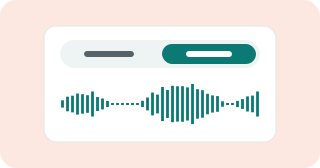
Listen to both versions
Press Preview to clean up audio in the first 30 seconds, free and with no account. Switch between Original and Cleaned, and between Full and Gentle.
Keep the clean file
Sign in to clean up audio across the full length and download the result.
What Does It Clean Up in a Voice Recording?
We ran three real recordings through it and measured noise, loudness and the words a transcript could still pick out. Each needed a different fix, which is normal when you clean up audio.
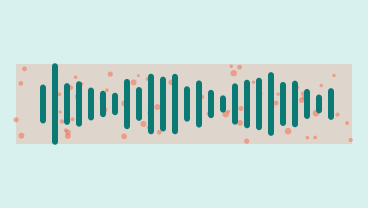
Background noise
On a street interview with a crowd behind it, the quiet moments fell from -31 dB to -64 dB and 33 of 34 words stayed. When you clean up audio with traffic, fans or room noise, they go the same way.
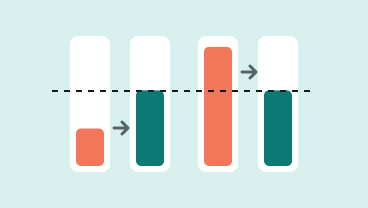
A level that is off
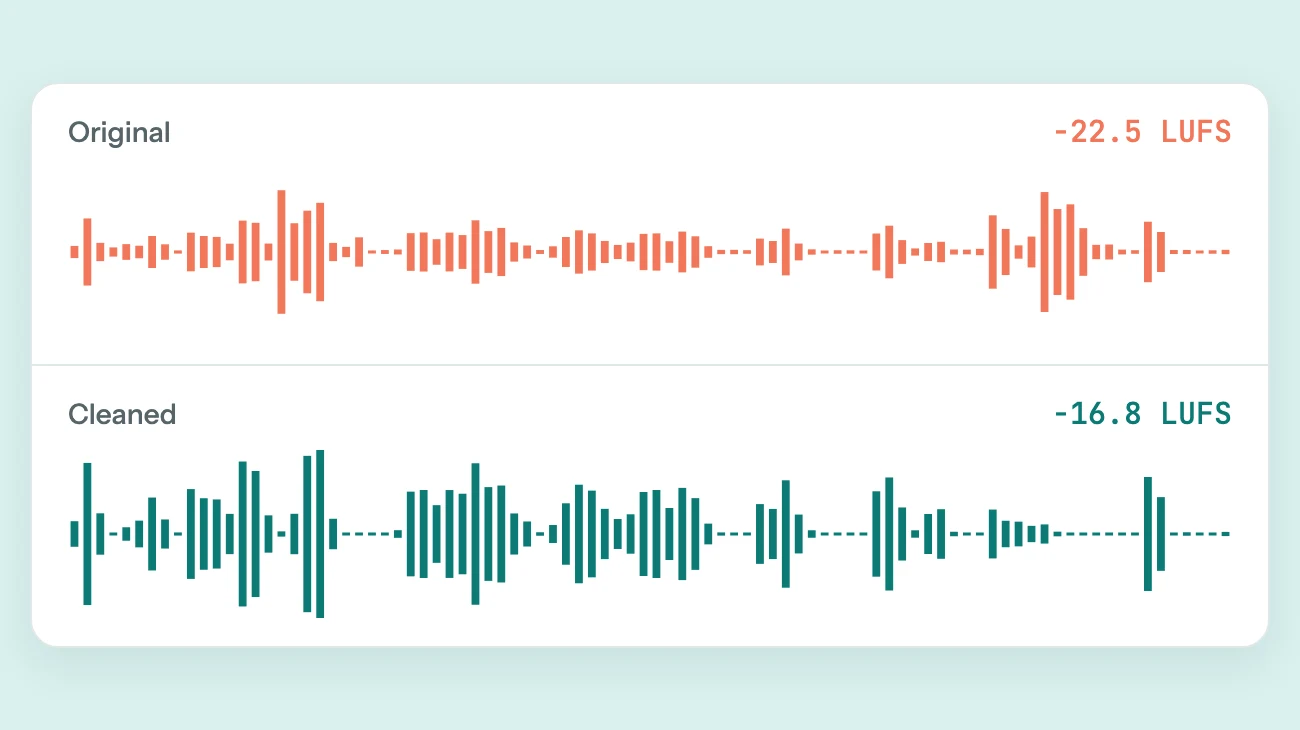
Every file comes back near -16 LUFS. A quiet web call came up from -24 LUFS, and the loud street interview came down from -10 LUFS, so you clean up audio and set its volume at once.
Phone lines and old tapes
Narrow phone sound is hard for any cleaner. On a 1963 phone call Full kept 28 of 53 words, while Gentle kept 46 with the hiss about 10 dB lower. Use Gentle to clean up audio from calls.

What it leaves alone
Clean up audio here and echo, clicks, mouth noises and clipping stay; it also will not balance two people at different volumes. A call that was already quiet behind the voice changed mostly in level.
Why Clean Up Audio Here
To clean up audio in an editor you stack a noise gate, noise reduction, EQ and a loudness step, then tune each. Here it is one button.
Your recording, not a demo
The preview plays the file you chose. Clean up audio in the first 30 seconds and decide by ear before you spend a credit.
Leveled for listening
Results are set to about -16 LUFS, close to what podcast apps and video sites aim for. Quiet files come up, loud ones come down, and a limiter keeps the peaks from clipping.
Full or Gentle
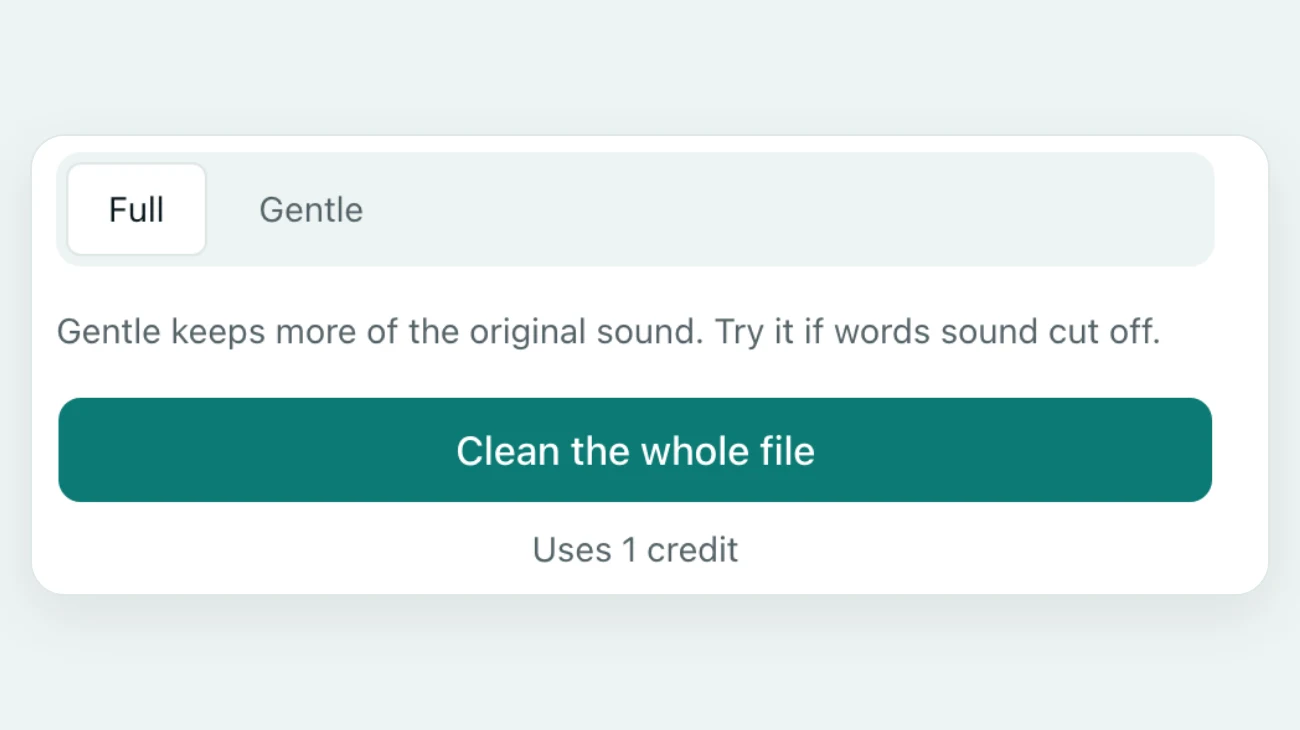
Full takes the most noise out when you clean up audio. Gentle stops near 20 dB and spares thin voices such as phone calls: 46 words against 28 on our 1963 call.
Cleaning a clip? Only its sound travels
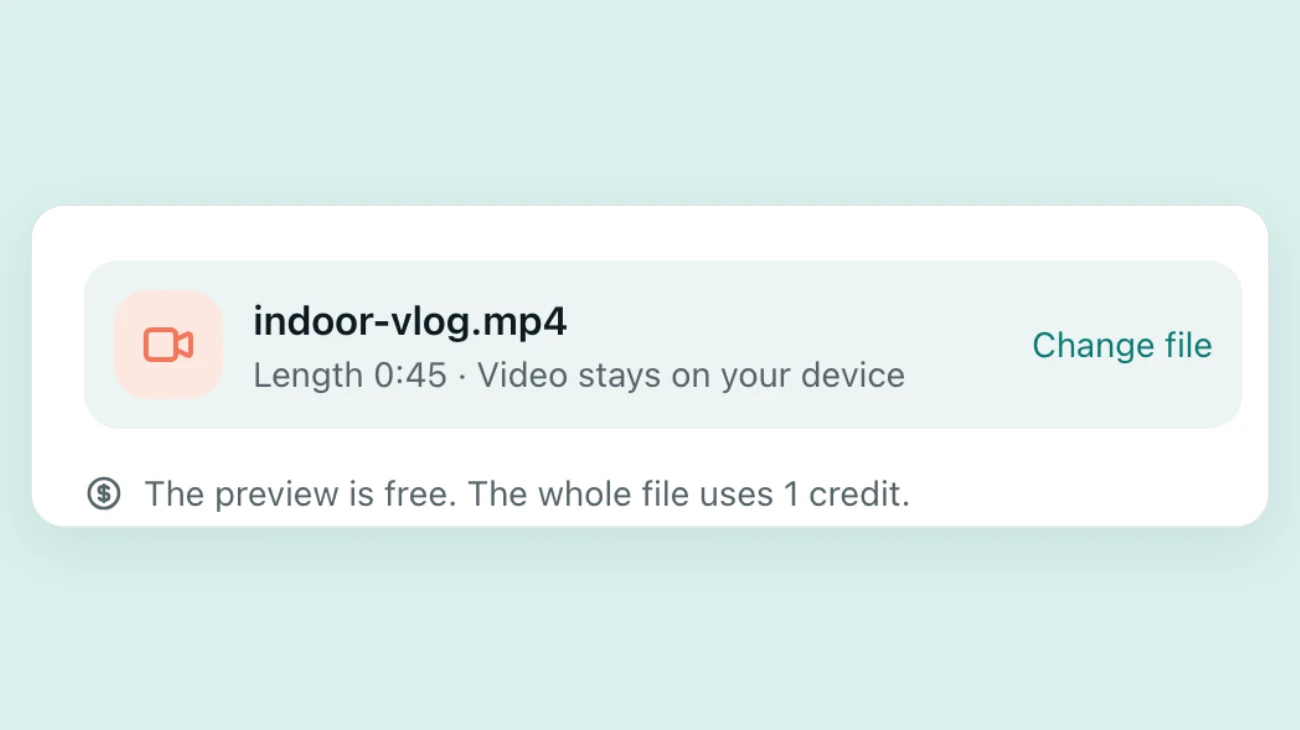
When you clean up audio in a video, the browser sends the soundtrack and a few still frames. The footage never leaves your computer or phone.
Back in the same video
After you clean up audio in a clip, the new soundtrack goes into the original file without compressing the picture, so quality and timing stay as they were.
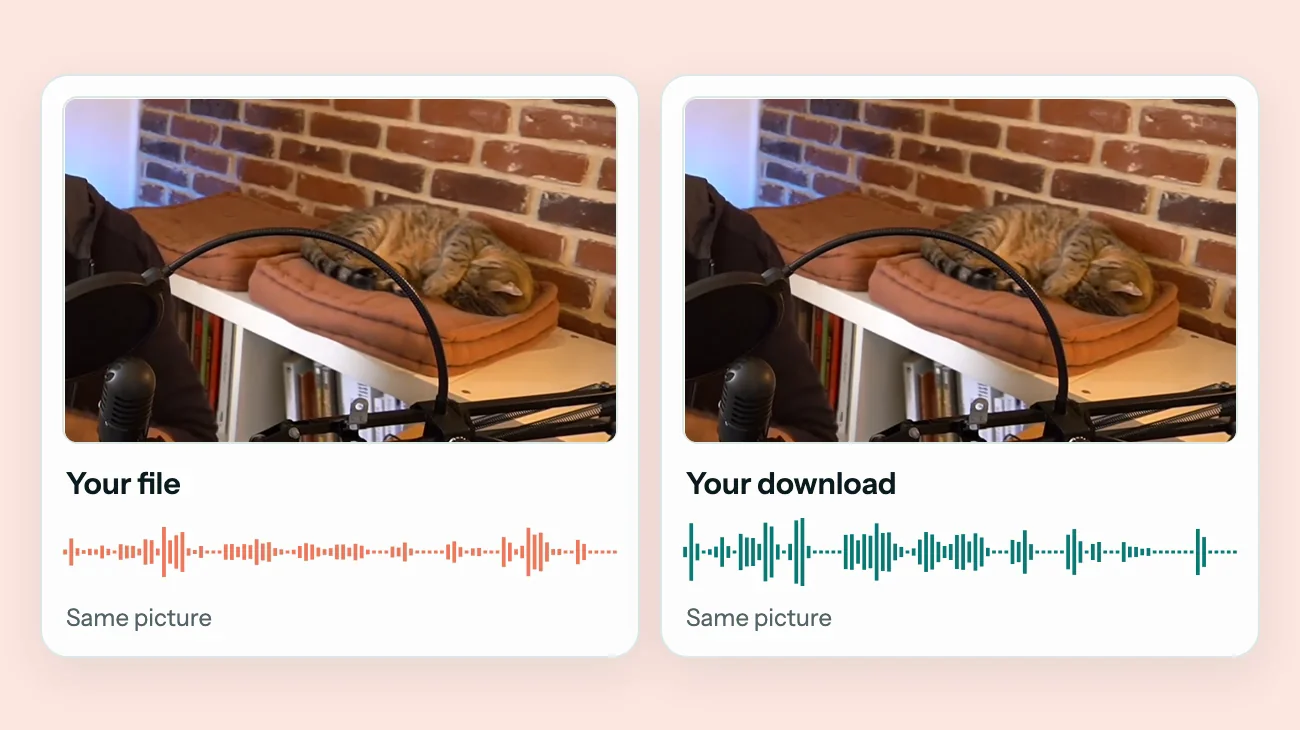
Before and after
Clean Up Audio: Before and After
Press play to hear how we clean up audio on three real recordings, each with a different problem. Both versions play at the same volume, so you hear the noise and not the level.
A quiet web conference call
Little noise to take out, so the fix was mostly level: up from -24 LUFS to -16 LUFS, with all 61 words kept.
A 1963 phone call, Gentle
Line hiss about 10 dB lower and 46 of 53 words kept. Full removed more hiss but lost too many words.
A street interview in German
Crowd and street noise down about 33 dB and 33 of 34 words kept. The cleanup does not depend on the language.



Recordings: Filll (Public domain), LBJ Presidential Library (Public domain), Florian Prischl (CC BY-SA 3.0)
Three Habits That Make Audio Easier to Clean Up
A cleaner can only take sound away. It cannot add back what the microphone never caught, so the best way to clean up audio starts before you press record.
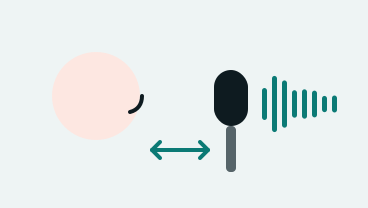
Bring the mic closer
Keep it a hand to a forearm from the mouth. Each time you halve the distance, the voice gets about 6 dB louder against the room.

Pick a soft room
Curtains, a sofa and a rug soak up echo, which no noise tool fully removes.
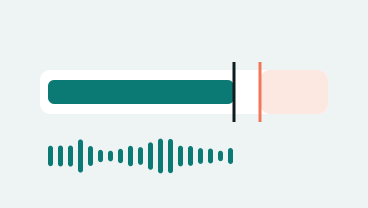
Leave room at the top
Set the input so your loudest laugh peaks well below the top of the meter. A quiet take can be brought up when you clean up audio; a clipped one cannot be repaired.
FAQ
Questions About How to Clean Up Audio
Can I clean up audio free?
You can hear it free. Choose a file and press Preview to clean up audio free in the first 30 seconds, with no account. The preview is for listening only and is limited per day. The full file uses credits, and one credit cleans one minute.
How do I clean up voice recording files from my phone?
Open this page on the phone, or move the file to a computer, and choose it. Voice memos in M4A and camera videos in MP4 or MOV both work. To clean up audio from a call, start with Gentle.
What is audio cleanup?
Audio cleanup is removing what distracts from a recording, such as noise, hum, hiss and an uneven level, without changing what was said.
How to clean up audio in Audacity or Premiere Pro?
In Audacity, select a few seconds of noise only, choose Get Noise Profile, apply Noise Reduction to the whole track, then Loudness Normalization. In Premiere Pro, use Reduce Noise and Auto-Match loudness in the Essential Sound panel. Both give more control; this page does it in one pass.
Can it remove echo?
Only the tail. Echo overlaps the voice, so when you clean up audio here the ring after each phrase gets lower, but a hall will not sound like a studio.
Does it work in other languages?
Yes. It listens for a voice, not for words: our German street interview kept 33 of 34 words.
What happens to my files?
When you clean up audio here, uploads and results are deleted after 24 hours, and a video stays on your device. We never sell your files or train AI models on them.
Only a hum or an electrical buzz? See how to remove buzz from audio. Fixing a clip? Learn how to remove background noise from video. Or open the main background noise remover.

Clean Up Your Own Recording
Clean up audio in the first 30 seconds and hear it leveled, free and with no account.
Choose a fileRelated pages
- Remove Static from AudioClean hiss, radio static and light crackle from a voice recording
- Remove Background Noise from VideoClean street, indoor, lecture and speech videos without re-encoding the picture
- Remove Wind Noise from VideoTurn down gusts, mic rumble and breeze in outdoor clips and keep the voice
- Remove Buzz from AudioTake 50 or 60 Hz hum and electrical buzz out from under a voice