


Remove Static from Audio and Video Online
Upload a recording with hiss or static, hear the first 30 seconds cleaned free with no signup, and keep your video on your device.
Original

Cleaned

Your cleaned preview plays here, next to the original
How to Remove Static from Audio in Three Steps
To remove static from audio is to lower the steady hiss, fizz or crackle behind a voice while keeping the voice itself. Here you remove static from audio in your browser, with no noise sample to select by hand.

Choose the noisy file
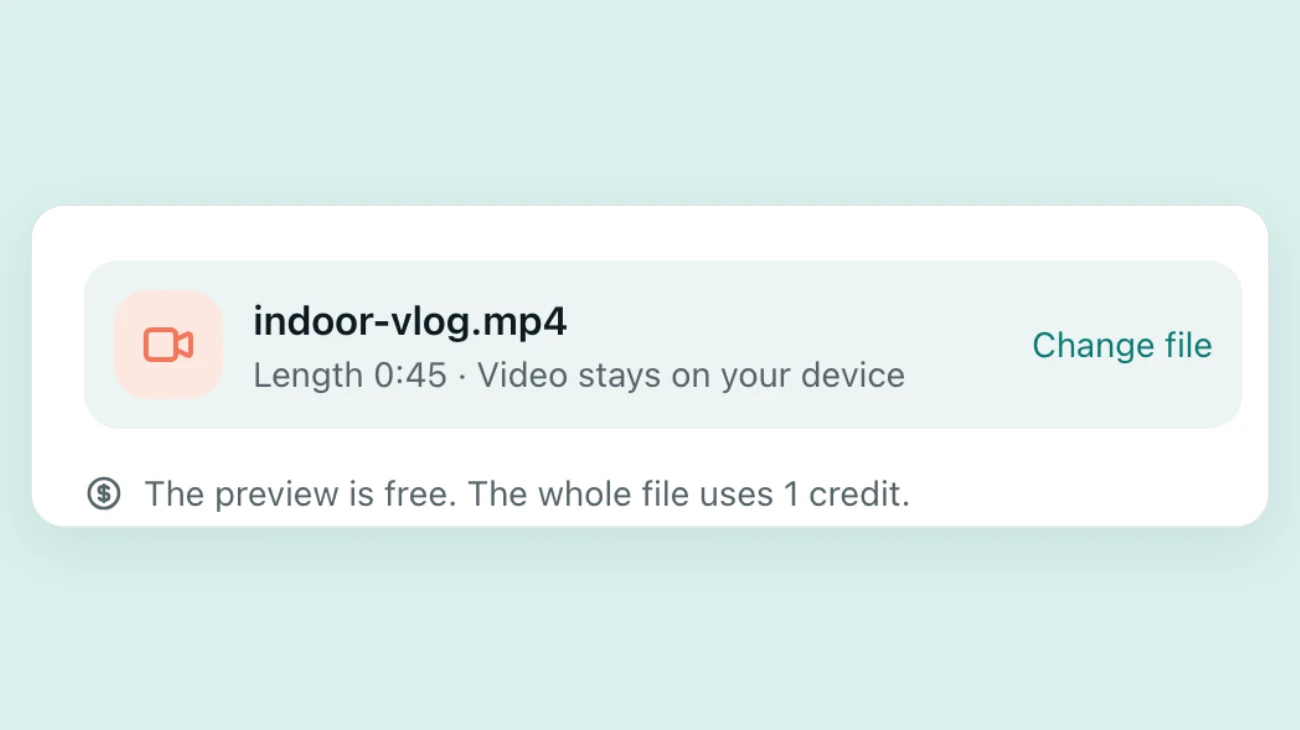
Drop in the recording or video. The tool reads its length in your browser and shows how many credits the full file would use.
Listen to 30 seconds
Press Preview to remove static from audio in the first 30 seconds, with no account. Switch between Original and Cleaned, then try Full and Gentle.
Clean the whole file
If it sounds right, sign in to remove static from audio across the whole file. Audio downloads as a clean track. Video keeps its original picture.
Which Kinds of Static Can You Remove?
The best time to remove static from audio with this tool is when the noise is steady and one clear voice sits on top of it.

Tape and microphone hiss
The soft, high fizz from a cheap microphone, high gain or an old cassette. In our tests it fell by about 24 dB in the pauses on Full, and the voice kept its level.
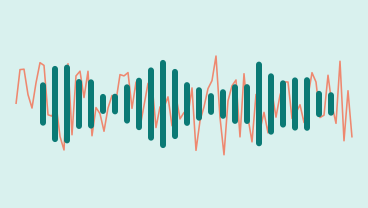
Radio and white-noise static
The rushing sound of a weak signal or a noisy recorder. With static only 5 dB quieter than the voice, the pauses went from about -24 dB to about -60 dB. A few quiet words can go with it, so check the preview.
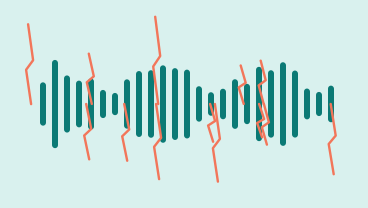
Light crackle
Small pops and fizz from a loose cable or a worn recording. The tool lowered crackle mixed with static in our test clips, but it is built for steady noise, so judge your file by ear.
Very old recordings
Wax cylinders and old phone calls have thin voices that can sound like noise to the tool, so use Gentle. On two old recordings, Gentle kept about 90% of the words where Full kept about 60%.
Why Use This Tool to Remove Static from Audio
Editing software can remove static from audio too, once you have learned it. This page is for a spoken recording you want fixed today.
Hear your own recording first
The preview runs on your file, not a demo clip, so you know within a minute whether this way to remove static from audio suits your microphone and your voice.
Full or Gentle for each recording
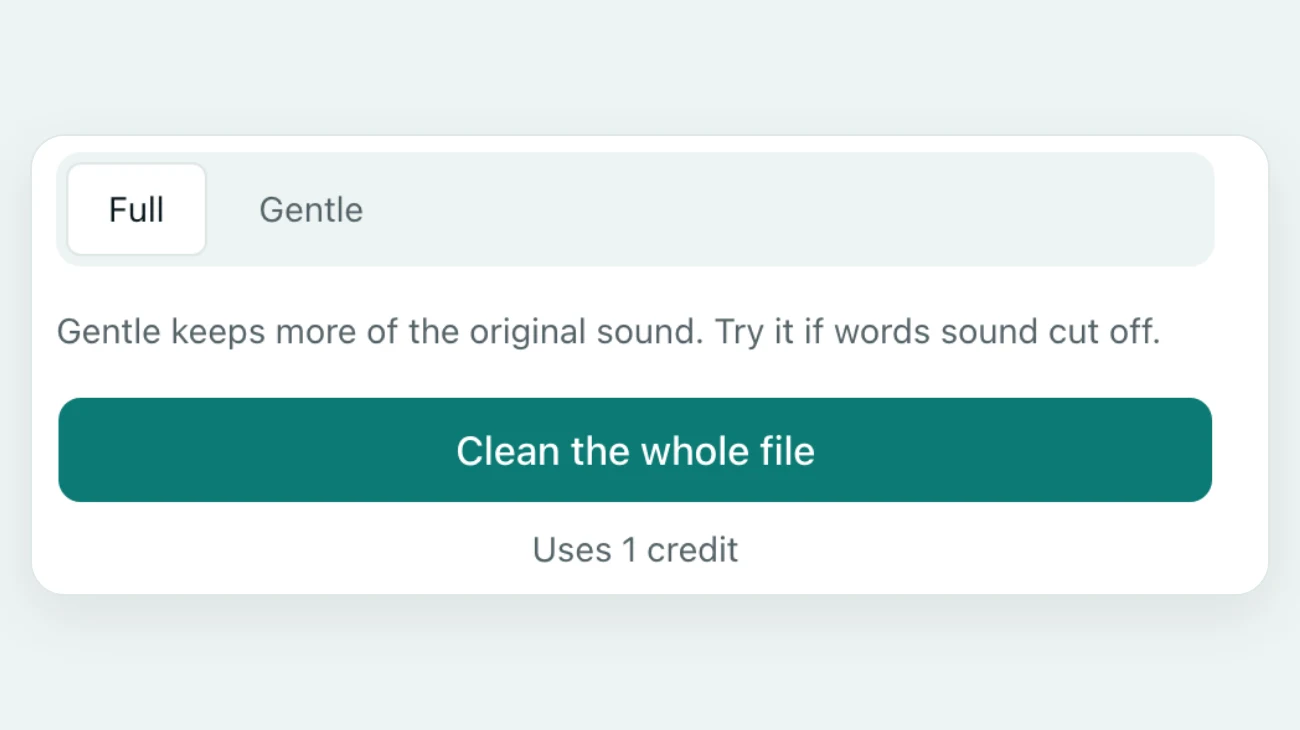
Full lowers static as far as the tool can. Gentle turns noise down by about 20 dB at most, which keeps more of a faint voice. If you remove static from audio and words sound clipped, switch to Gentle.
No noise sample to pick
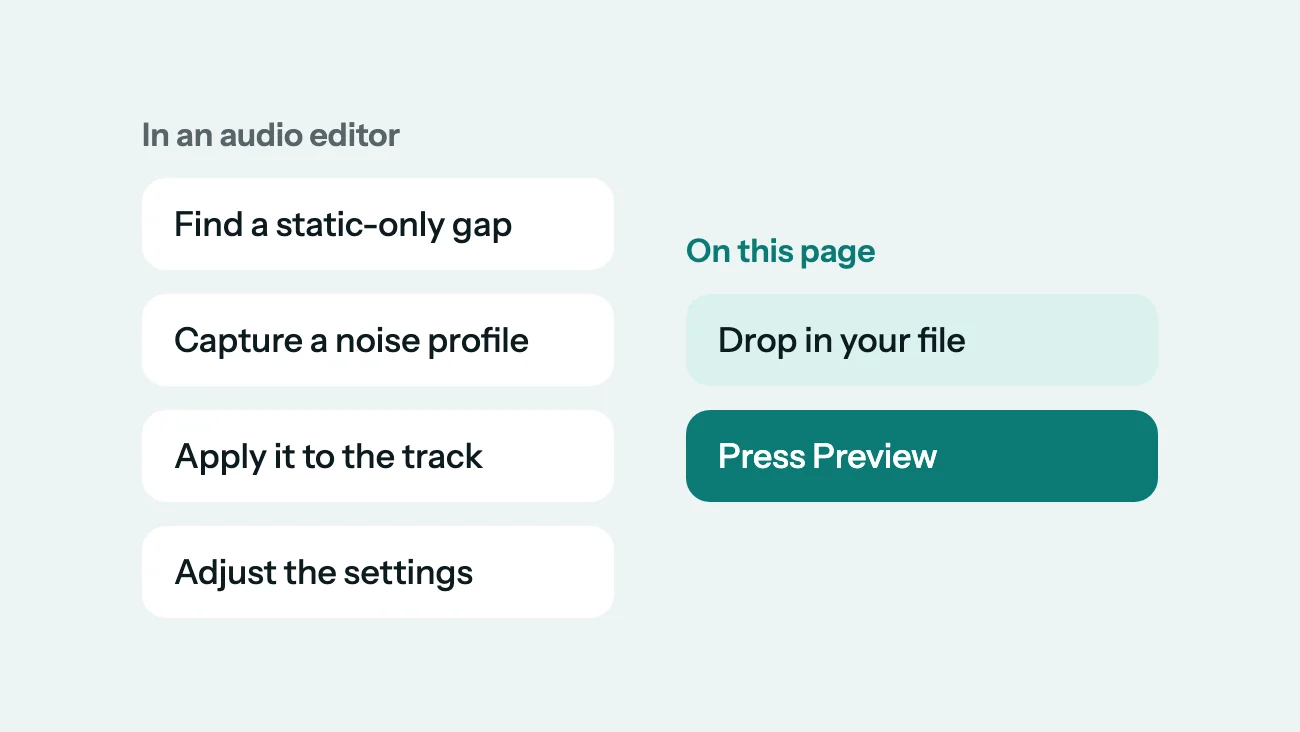
To remove static from audio in Audacity, you find a few seconds of static alone, capture a noise profile, then apply it and adjust the settings. Here you drop the file in and press Preview, even if there is no silent gap to sample.
Level evened out for you
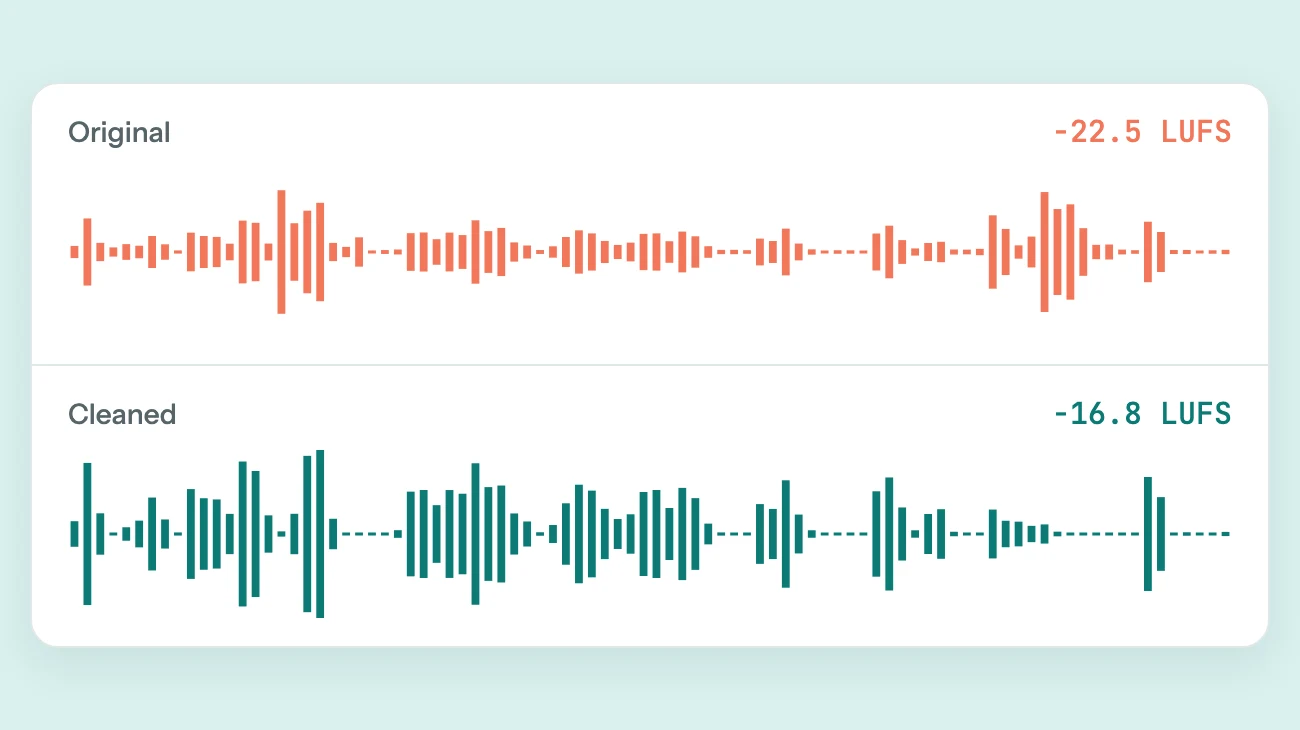
Cleaning can leave a recording quieter. After you remove static from audio here, the result is brought to a level near -16 LUFS, a common target for podcasts and online video.
Static in a video, too
You can remove static from audio in a video without uploading the video. Only the audio track and a few still frames for a safety check are uploaded. The picture is not re-encoded, and the sound stays in sync.
Before and after
Remove Static from Audio: Before and After
Press play and switch versions to hear how we remove static from audio. Two clips had static added to a clean voice. The third is a real recording.
Hiss added to a voice
We added steady high hiss to a clean clip. Full took the fizz out of the pauses and the voice kept its level.
Radio static added to a voice
We added uneven static and small pops to a vlog clip. Full cleared them, and most of the words stayed.
Real 1888 wax cylinder
A speech by Arthur Sullivan, cleaned on Gentle. The surface hiss drops by about 19 dB, and the speech is still old and thin.



Sample recordings: David Revoy (CC BY 4.0), Joseph Urcino (CC BY 4.0), Arthur Sullivan, 1888 (Public domain)
Why Recordings Get Static, and How to Avoid It
Before you remove static from audio, it helps to know where it came from. A small fix before your next take saves cleaning.

Gain set too high
Turning up a quiet microphone also turns up its hiss. Move closer and lower the gain.
Loose or damaged cables
A worn cable can crackle whenever it moves. Reseat it, or swap it, and test again.

Old tape copies
Each copy of a tape adds more hiss. Digitize the best copy you have, then remove static from audio afterward.
FAQ
Questions About How to Remove Static from Audio
How do I remove static from audio for free?
Drop your file into the tool above and press Preview to remove static from audio in the first 30 seconds, free and with no account. The preview is for listening only, and free previews are limited per day. Downloading a full file uses credits, and one credit cleans one minute.
Can AI remove static from audio?
Yes. This tool uses AI trained to separate a voice from noise, so it can remove static from audio without a noise sample. It cannot bring back words the static fully covers, so a very noisy recording may still have gaps.
Can I remove static from audio without losing voice quality?
Usually, on a clear voice. With steady hiss in our tests, the voice stayed within about 1 dB of its level and the pauses went close to silent. On a faint or very old voice, Full can treat parts of words as noise. Gentle removes less but keeps more of the speech.
How do I remove static from audio in a video?
Choose the MP4, MOV or WebM file here and press Preview. The audio track comes out in your browser and only that is uploaded, plus a few still frames. Your browser then joins the cleaned sound to your original picture, so the video file stays on your device.
Is this better than Audacity or Premiere Pro?
It is quicker to try, but it is not an editor. Audacity, Premiere Pro and DaVinci Resolve have their own noise tools and give you more manual control. Use this page to remove static from audio without installing anything or learning a noise workflow.
Which files can I use to remove static from audio?
MP3, WAV, FLAC, M4A, AAC, OGG, MP4, MOV and WebM, up to 2 GB and 60 minutes each. In our tests, a 1-minute file took about 11 seconds and a 5-minute file about a minute, plus upload time.
Can it remove static from music or singing?
No. It is built for speech, so it treats instruments and much of a singing voice as noise. Use it to remove static from audio of people talking, such as podcasts, interviews, lectures and voice notes.
What happens to my files?
When you remove static from audio here, uploaded audio and results are deleted automatically after 24 hours. Your video is not uploaded. We check still frames against our content rules and do not keep them. We do not sell your files or use them to train AI models.
Filming outdoors? Learn how to remove wind noise from video. Cleaning a whole clip? See how to remove background noise from video. A low drone under the voice? See how to remove buzz from audio.

Remove Static from Audio on Your Own File
Try it on 30 seconds of your own recording, free and with no account.
Choose a fileRelated pages
- Remove Background Noise from VideoClean street, indoor, lecture and speech videos without re-encoding the picture
- Remove Wind Noise from VideoTurn down gusts, mic rumble and breeze in outdoor clips and keep the voice
- Remove Buzz from AudioTake 50 or 60 Hz hum and electrical buzz out from under a voice
- Clean Up AudioTake the noise out of a voice recording and set its volume in one pass