


AI Audio Enhancer That Keeps Your Voice
Upload a voice recording and hear 30 seconds with the noise taken out and the level set, free and with no signup.
Original

Cleaned

Your cleaned preview plays here, next to the original
How to Enhance Audio in 3 Steps
This audio enhancer does two jobs on speech: it takes away noise and sets a steady listening level. It does not add effects, and it does not replace your voice with a new one.

Choose a recording
A podcast, lecture, voice memo, interview or video, as MP3, WAV, M4A, MP4 or MOV. The audio enhancer shows the cost in credits before anything is sent.
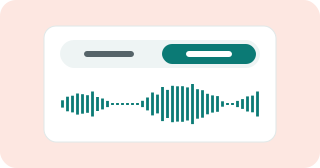
Hear 30 seconds free
Press Preview and the audio enhancer plays your own file back, free and with no account. Switch between Original and Cleaned, and between Full and Gentle.
Download the result
Sign in to enhance audio across the whole file. One credit covers one minute.
What This Audio Enhancer Fixes, and What It Leaves
We ran three recordings through the audio enhancer and measured the noise in the pauses, the loudness and the words a transcript could still pick out.
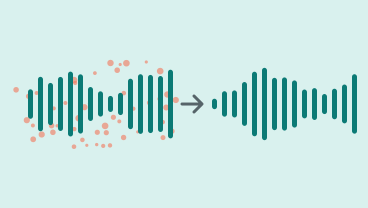
Noise under the voice
A laptop take with a fan 10 dB under the voice: the fan in the pauses fell from -27 dB to -63 dB and all 37 words stayed. Traffic, air conditioning and room noise go the same way.
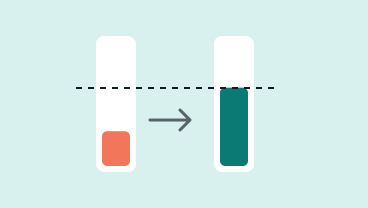
A level that is too low
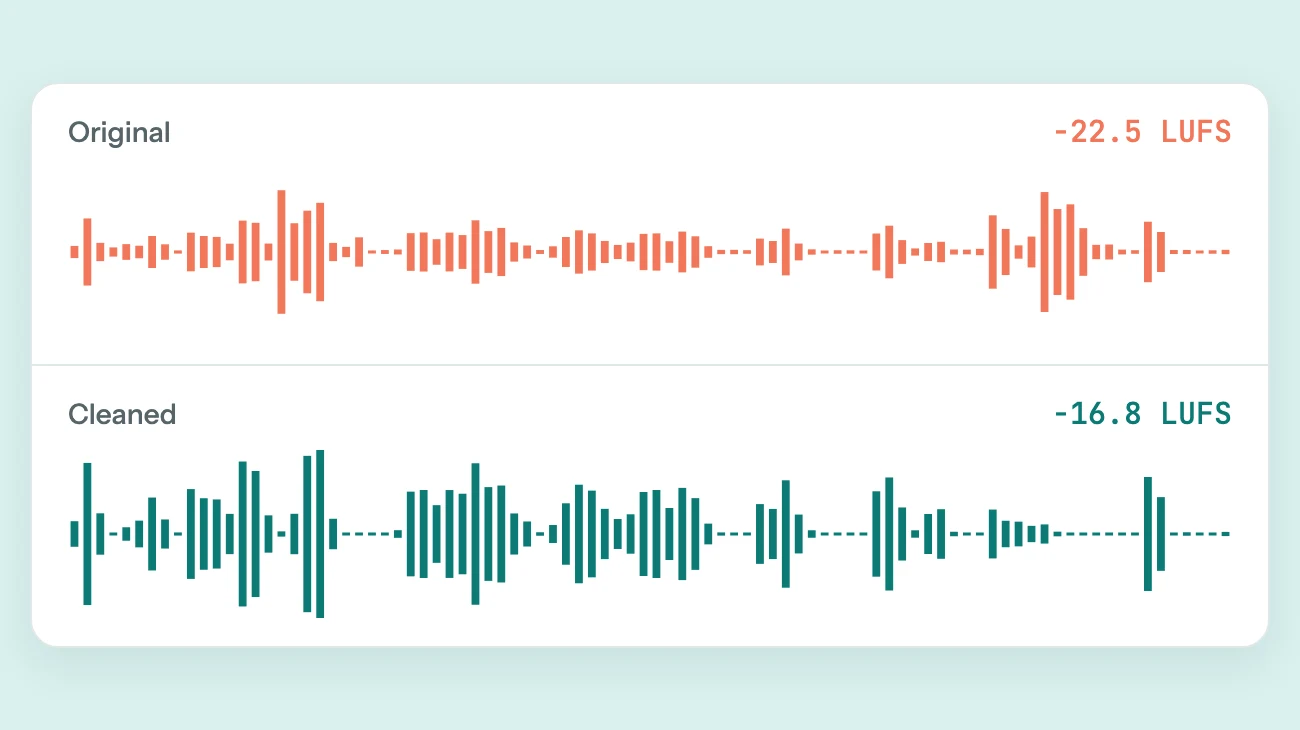
The same take came in at -30 LUFS, about half as loud as a podcast app expects. The audio enhancer brought it to -16 LUFS, with a limiter to keep peaks from clipping.
Old radio and tape
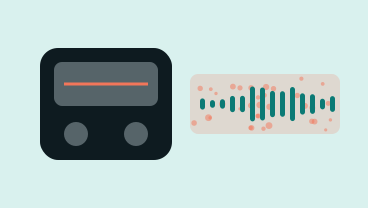
On a 1940 radio broadcast, Gentle lowered the hiss by 19 dB and kept all 28 words. Full went further, to -74 dB, but lost one word. Old recordings sound more natural on Gentle.
Your voice, not a new one
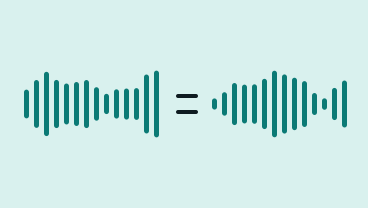
A clean podcast went in with nothing to fix. What came out differed from it by 37 dB below the voice, and every word stayed. The audio enhancer only takes away; it never re-voices.
Why Use This Audio Enhancer
An editor needs a noise gate, noise reduction and a loudness step, each tuned by ear. This audio enhancer does the same work in one pass and lets you hear it first.
Hear your own file first
The free preview plays the first 30 seconds of the file you chose, so you judge the audio enhancer on your recording, not on a demo.
Full or Gentle
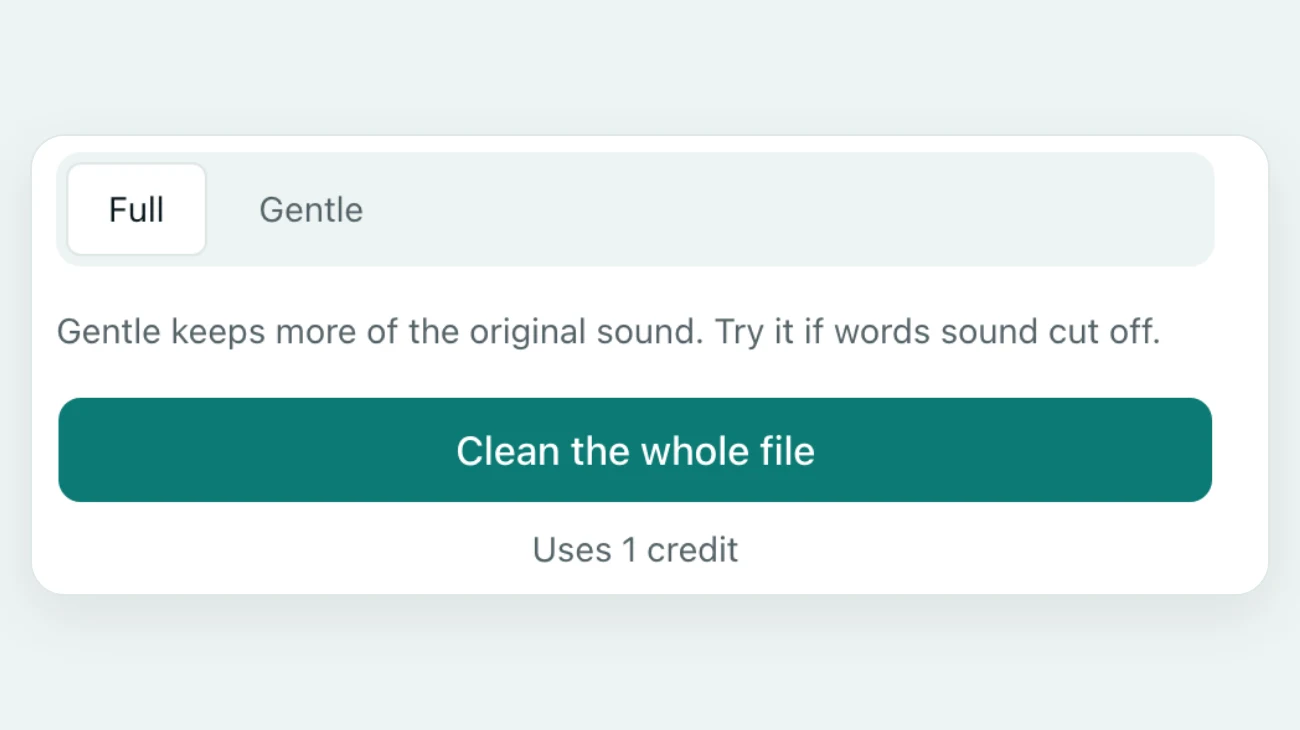
Full takes away the most noise. Gentle stops near 20 dB and suits thin voices, phone calls and old tape, where it kept every word of our 1940 broadcast.
Leveled for listening
Results come back near -16 LUFS, close to what podcast apps and video sites aim for. Quiet takes come up and loud ones come down.
Enhance audio in a video
For a clip, the browser sends only the soundtrack and a few still frames to the audio enhancer. The footage itself stays on your computer or phone.
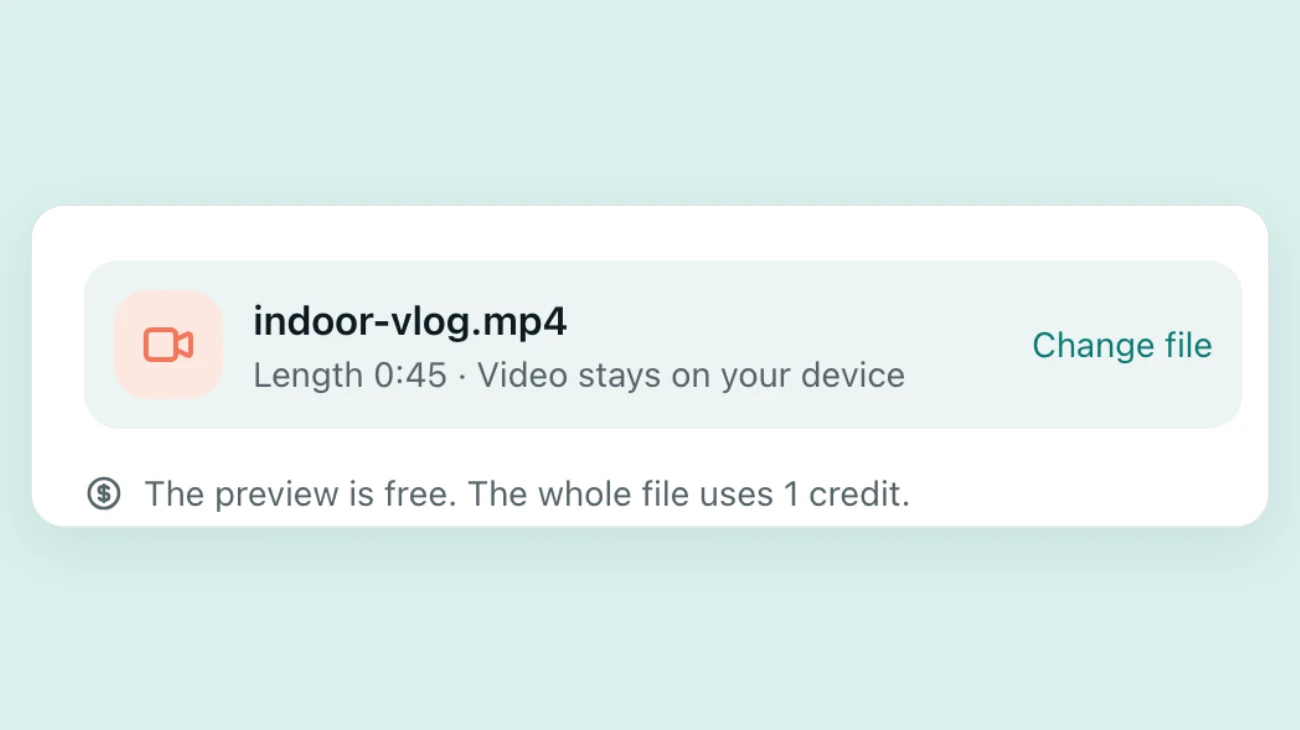
Same picture, better sound
The enhanced soundtrack goes back into the original file without compressing the picture, so quality and timing stay as they were.
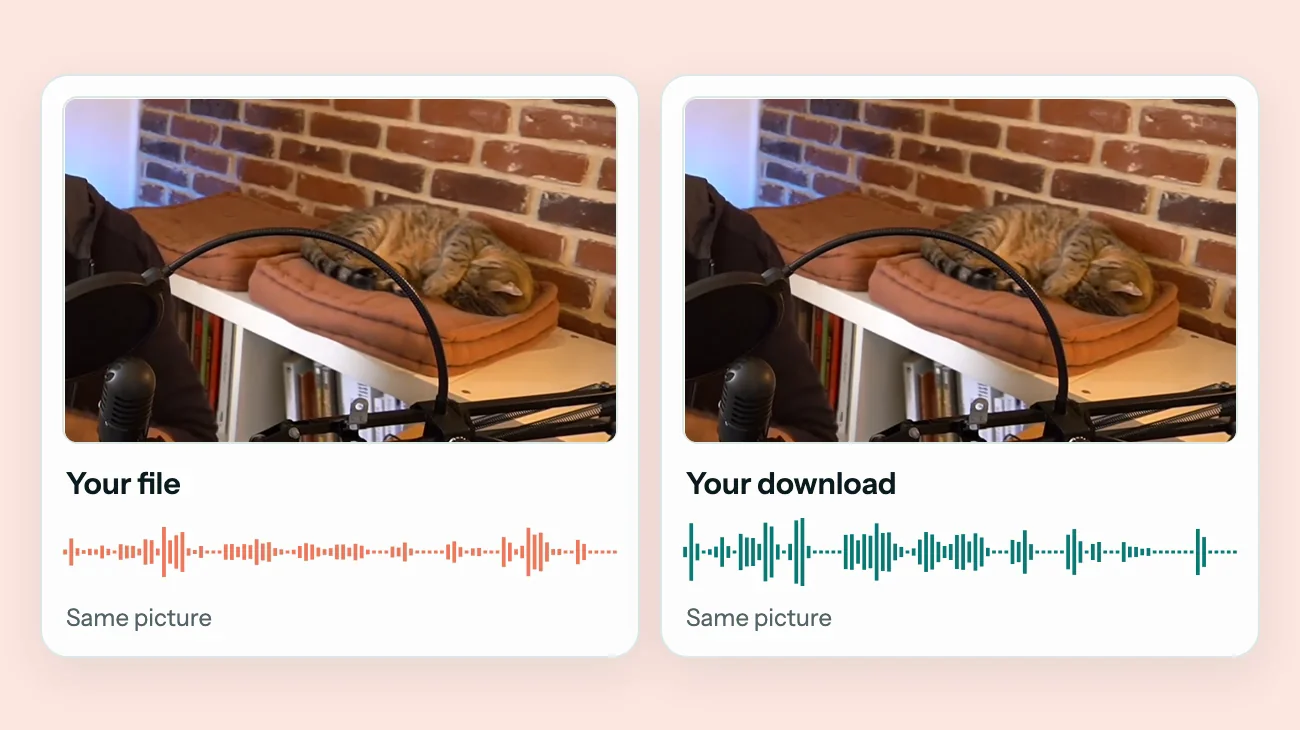
Before and after
Audio Enhancer: Before and After
Press play on three recordings we ran through the audio enhancer. Both versions play at the same volume, so you hear the noise and not the level.
A quiet laptop take with a fan
Fan noise in the pauses about 36 dB lower, the level raised from -30 to -16 LUFS, and all 37 words kept. We added the fan to a clean podcast ourselves.
A 1940 radio broadcast, Gentle
Hiss about 19 dB lower and all 28 Dutch words kept. The voice keeps its period sound; nothing is made to sound modern.
A clean podcast, nothing to fix
Hard to tell apart, which is the point: the difference sits 37 dB below the voice. An audio enhancer should not change what was already good.



Recordings: Eugene Eric Kim (CC0), PHOHI (Public domain), Eugene Eric Kim (CC0)
Three Kinds of Audio Enhancer, and Which One This Is
Search for an audio enhancer and you will find tools that do very different things. Knowing which kind you need saves a wasted upload.
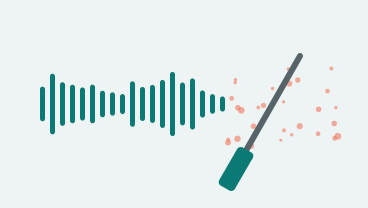
Cleaners take things away
This audio enhancer is one. It removes noise and sets the level, and the voice you hear is the one you recorded. It cannot add what the microphone never caught.
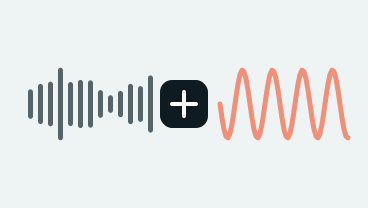
Rebuilders make a new voice
Some AI audio enhancer tools re-create speech so it sounds like a studio mic. That can rescue a bad take, but the voice can change, and a mumbled word may come out as a different one.
Playback boosters change what you hear
A desktop audio quality enhancer adds bass and loudness to your speakers while you listen. It does not change any file, so it will not fix a recording you need to share.
FAQ
Questions About the Audio Enhancer
Is this audio enhancer free?
You can hear it free. The preview runs the free audio enhancer on the first 30 seconds of your file with no account, a limited number of times per day. The full file uses credits, one per minute.
What does an AI audio enhancer do?
It listens for speech and treats everything else as something to reduce. Here that means noise and an uneven level. It does not add EQ, reverb or a new voice.
Is it also a voice enhancer?
Yes, for speech. As a voice enhancer it makes a voice easier to hear by removing what is around it. It is not made for singing over music.
Will it make a phone recording sound like a studio?
No. After the audio enhancer it will sound like the same phone without the noise. A tool that promises a studio sound has to rebuild the voice, with the risks above.
Can it remove echo?
Only the tail. Echo overlaps the voice, so the audio enhancer lowers the ring after each phrase, but a hall will not sound like a booth.
Can I enhance audio in a video?
Yes. Choose an MP4, MOV or WebM file. The audio enhancer processes only the soundtrack and puts it back into the same video.
What happens to my files?
Uploads and results are deleted after 24 hours, and a video stays on your device. We never sell your files or train AI models on them.
Several problems in one file? See how to clean up audio. Music or chatter behind the voice? Try the voice isolator. Hiss from an old recorder? Learn how to remove static from audio. Or open the main background noise remover. Only the noise needs to go? Compare the two audio noise reduction strengths.

Try the Audio Enhancer on Your Recording
Hear the first 30 seconds enhanced, free and with no account.
Choose a fileRelated pages
- Remove Static from AudioClean hiss, radio static and light crackle from a voice recording
- Remove Background Noise from VideoClean street, indoor, lecture and speech videos without re-encoding the picture
- Remove Wind Noise from VideoTurn down gusts, mic rumble and breeze in outdoor clips and keep the voice
- Remove Buzz from AudioTake 50 or 60 Hz hum and electrical buzz out from under a voice