


Remove Background Noise from MP3 Files
Drop in an MP3 and hear 30 seconds with the noise turned down and your voice kept, free with no signup.
Original

Cleaned

Your cleaned preview plays here, next to the original
How to Remove Background Noise from MP3
An MP3 is already compressed, so the noise is baked into the file. To remove background noise from MP3 audio, the tool decodes the sound, keeps the voice and turns down everything around it.

Choose the MP3
A podcast, voice memo, lecture or interview saved as MP3, at any bitrate. The cost in credits shows before you remove background noise from MP3 files.
Hear 30 seconds free
Press Preview to remove background noise from MP3 audio in the first 30 seconds, with no account. Switch between Original and Cleaned, and between Full and Gentle.
Download the clean file
Sign in to remove background noise from MP3 recordings in full. One credit covers one minute, and you get an M4A that plays anywhere an MP3 plays.
Does the MP3 Bitrate Matter?
To see if bitrate changes how well you remove background noise from MP3 audio, we put an air conditioner and a restaurant 10 dB under one talk, saved each mix at 32, 64, 128 and 320 kbps, measured the pauses and counted the words a transcript still found.

32 kbps, the smallest files
A 32 kbps MP3 has already thrown away everything above about 8 kHz. When we remove background noise from MP3 audio this small, the noise fell by 44 dB and 38 dB, partly because the encoder had cut the hiss first.

64 kbps voice memos
Common for voice memos and podcasts, it keeps sound up to about 16 kHz. Full lowered the air conditioner by 37 dB and the restaurant by 25 dB, and all 37 words stayed when we remove background noise from MP3 files at this rate.

128 kbps, the usual default
Most recorders save 128 kbps. To remove background noise from MP3 files at this rate, Full took 34 dB off the air conditioner and 26 dB off the restaurant, close to the WAV.

320 kbps, the largest
A 320 kbps MP3 behaved like the WAV: 36 dB and 26 dB on Full. A high bitrate keeps the noise as faithfully as the voice, so it gives no head start when you remove background noise from MP3 audio, only a bigger file.
Why Clean Your MP3 Here
An editor makes you sample the noise, tune a filter and export a new MP3, compressing it again. To remove background noise from MP3 files here, you press one button and hear the result first.
Hear it on your own MP3
The free preview plays 30 seconds of your own file, so you hear how well it can remove background noise from MP3 audio you actually recorded before you spend a credit.
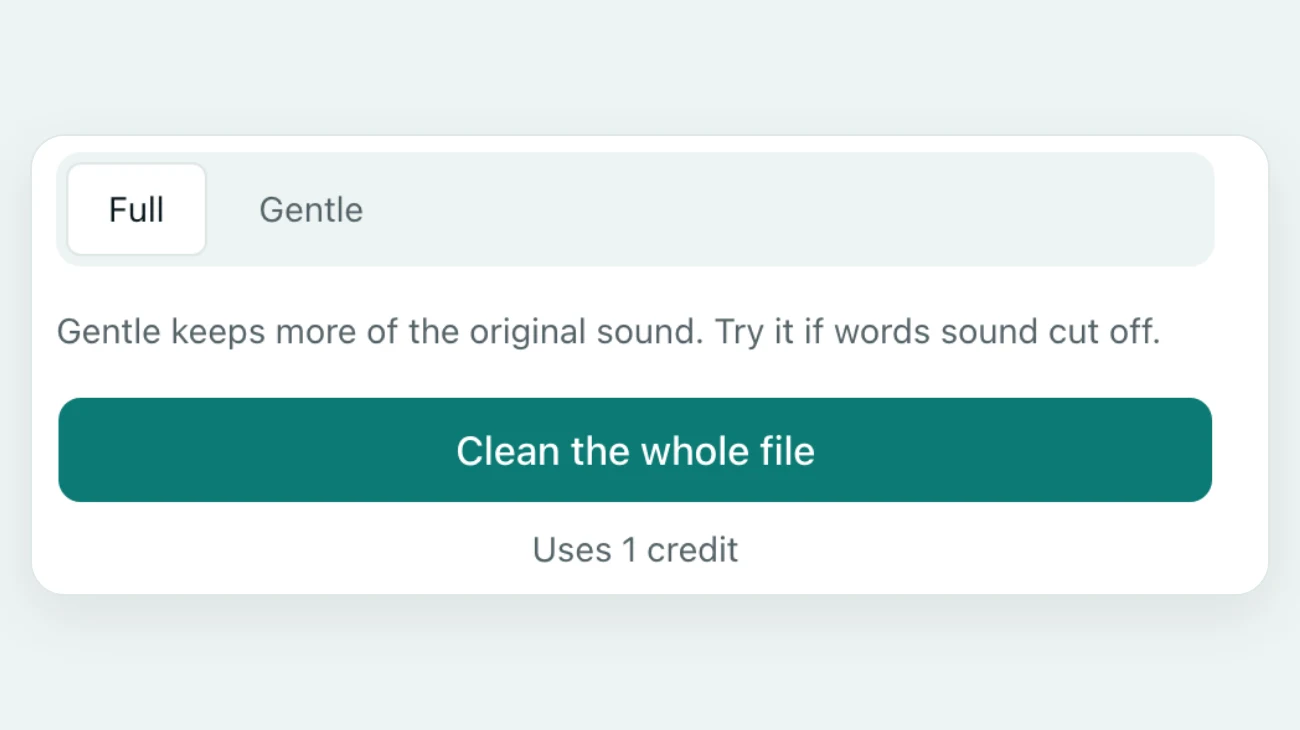
Full or Gentle
Pick how far to remove background noise from MP3 audio. Full goes as far as it can; Gentle stopped at 16 to 17 dB at every bitrate and leaves a little of the room.
Leveled for listening
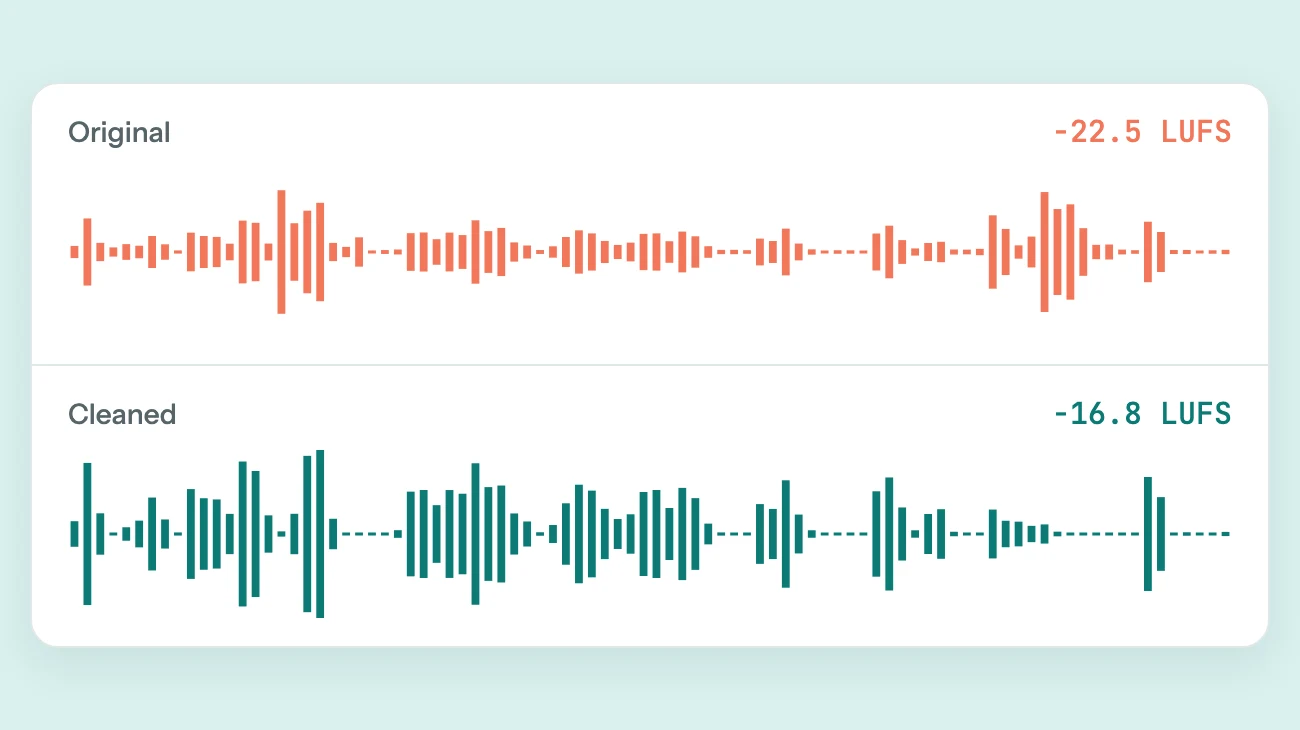
After you remove background noise from MP3 audio, quiet phone recordings come back near -16 LUFS, so the voice is easy to hear without a second tool.
The MP3 came from a video?
To remove background noise from MP3 audio that came out of a video, drop in the video itself. Only the soundtrack is sent, and the footage stays on your device.
Before and after
Remove Background Noise from MP3: Before and After
Press play on three MP3s at different bitrates where we remove background noise from MP3 audio. Both versions play at the same volume, so you hear what was removed and not a change in level.
A 64 kbps MP3 with an AC unit outside
Full took the outdoor unit's fan about 38 dB lower in the pauses, and all 37 words stayed. We mixed a real recording of the unit 10 dB under a talk ourselves.
A 128 kbps MP3 in a restaurant
Plates and other tables fell about 27 dB when we remove background noise from MP3 audio on Full, with every word kept. Real restaurant sound mixed 10 dB under the talk, saved at 128 kbps.
A 32 kbps MP3, Gentle
The restaurant about 18 dB lower with a little of the room left, and all 37 words kept. At 32 kbps the sound above 8 kHz was gone before cleaning.



Recordings: Ranch9613 (outdoor unit); Eugene Eric Kim (talk) (CC0), stephan (restaurant, public domain); Eugene Eric Kim (talk) (CC0), stephan (restaurant, public domain); Eugene Eric Kim (talk) (CC0)
What Happens to Your MP3
Your file goes through three steps. Knowing them helps you remove background noise from MP3 files without losing quality along the way.
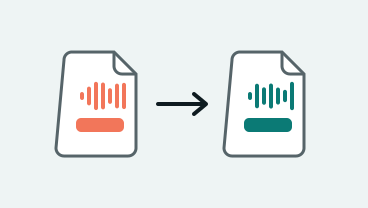
Read in your browser
When you remove background noise from MP3 files here, your browser first turns the MP3 into a 192 kbps AAC track, so a long file is quick to send.
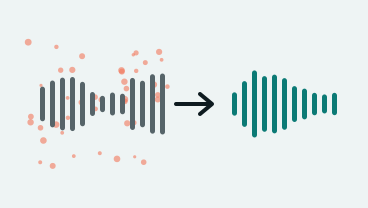
Cleaned and leveled
To remove background noise from MP3 audio, the noise is turned down around the voice, then the speech is set near -16 LUFS. No treble is added and no voice is rebuilt by AI.
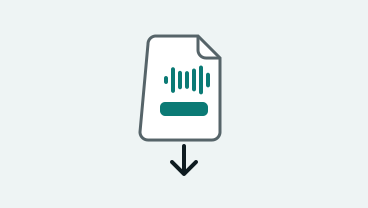
Back as an M4A
You download an M4A (AAC, 192 kbps, 48 kHz), not a new MP3, which would compress it twice. If a site only takes MP3, convert it once at 128 kbps or more.
FAQ
Questions About MP3 Files
Can I remove background noise from MP3 for free?
You can hear it free. Choose an MP3 and press Preview to remove background noise from MP3 audio in the first 30 seconds, with no account, a limited number of times per day. The full file uses credits, one per minute.
Will I get an MP3 back?
No. When you remove background noise from MP3 files here, you get an M4A at 192 kbps. Phones, browsers and podcast apps play it, and it is not compressed twice.
Does a low bitrate change MP3 noise reduction?
Not for the noise. We could remove background noise from MP3 audio as well at 32 kbps as at 320 kbps, with every word kept. A low bitrate does lose the treble for good.
How do I reduce noise in MP3 files on a phone?
Open this page, choose the MP3 from your files and press Preview to remove background noise from MP3 audio. There is nothing to install.
Is this an MP3 noise remover for music?
No, it is built for speech. Instruments count as noise, so a song would lose its music.
How big is the cleaned file?
About 1 to 1.4 MB per minute after you remove background noise from MP3 files. A 128 kbps MP3 comes back up to half as large again, a 32 kbps MP3 several times larger.
What happens to my files?
Uploads and results are deleted after 24 hours. We never sell your files or train AI models on them.
A fan or an air conditioner in the room? See how to remove fan noise from audio. Want to compare Full and Gentle first? Read the measured audio noise reduction. A call or memo with several problems? Learn how to clean up audio. Need to remove noise from MP3 and WAV files alike? Open the main background noise remover. Still in Voice Memos as an M4A? Learn how to remove background noise from voice memo recordings.

Remove Background Noise from Your MP3
Remove background noise from MP3 files in the first 30 seconds, free and with no account.
Choose a fileRelated pages
- Remove Static from AudioClean hiss, radio static and light crackle from a voice recording
- Remove Background Noise from VideoClean street, indoor, lecture and speech videos without re-encoding the picture
- Remove Wind Noise from VideoTurn down gusts, mic rumble and breeze in outdoor clips and keep the voice
- Remove Buzz from AudioTake 50 or 60 Hz hum and electrical buzz out from under a voice