


Free Audio Noise Reduction Online
Upload a voice recording or video, pick Full or Gentle, and hear 30 seconds with the noise turned down, free and with no signup.
Original

Cleaned

Your cleaned preview plays here, next to the original
How to Reduce Noise in Audio in 3 Steps
This audio noise reduction is made for speech. It has learned what a voice sounds like and turns the rest down, with no noise sample to pick and no sliders to tune.
Choose a file
A podcast, lecture, call, voice memo or video, as MP3, WAV, M4A, MP4 or MOV. The cost in credits shows before anything is sent.
Pick Full or Gentle
Full is the strongest audio noise reduction. Gentle stops at about 18 dB and leaves some room sound. Press Preview to hear 30 seconds free, with no account.
Download the result
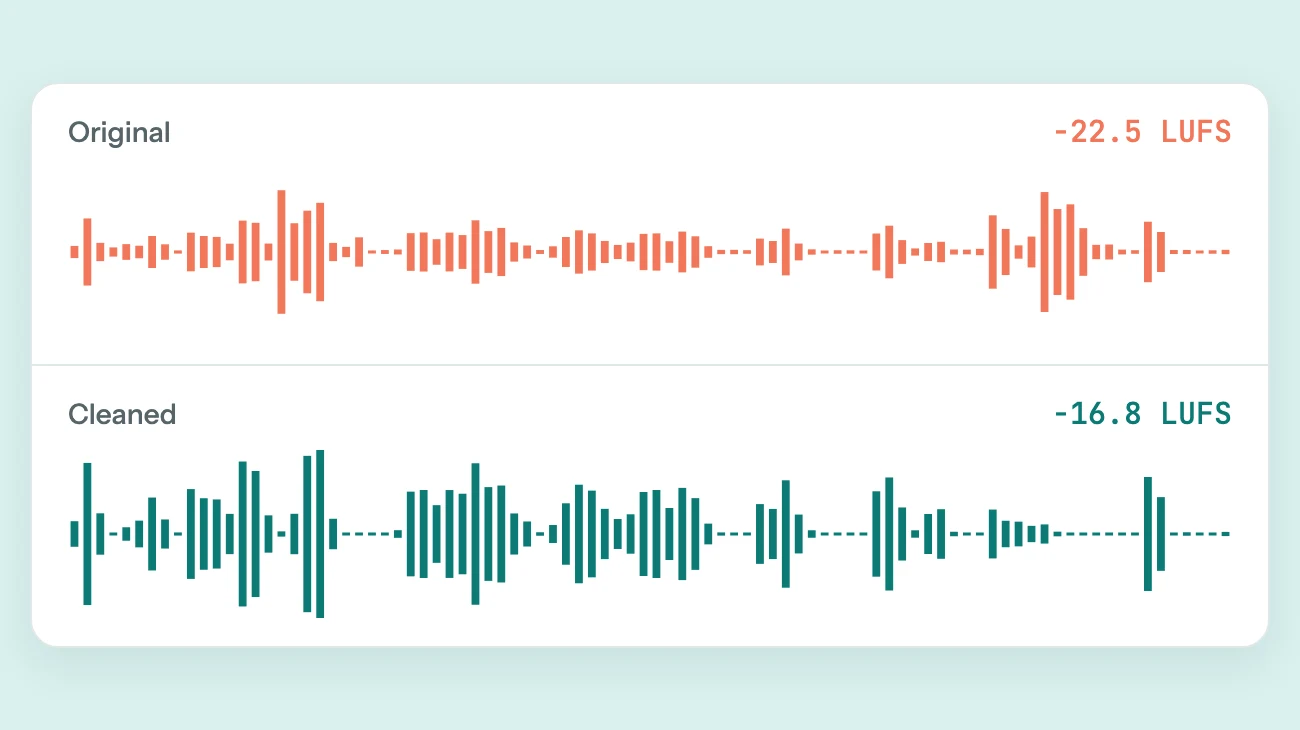
Sign in to run audio noise reduction on the whole file. One credit covers one minute, and the result comes back near -16 LUFS.
How Much Audio Noise Reduction You Get, by Noise
We mixed six kinds of noise 10 dB under the same clean talk, ran audio noise reduction at both strengths, and measured what was left in the pauses. A transcript counted the words that stayed.
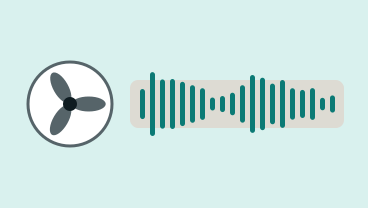
Fans, hiss and other steady noise
With Full audio noise reduction, a fan fell by 31 dB and tape-style hiss by 26 dB in the pauses. Gentle took both down by 18 dB. The transcript found 38 to 40 of 41 words, as it did on the noisy take.
Rain and a busy restaurant
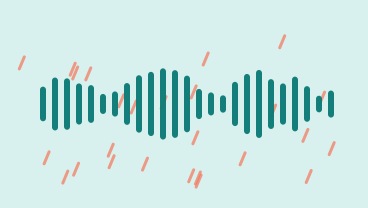
Rain fell by 28 dB and restaurant noise by 27 dB on Full, about 18 dB on Gentle. On the restaurant mix, audio noise reduction let the transcript find all 41 words, against 38 before.
A crowd talking in the distance
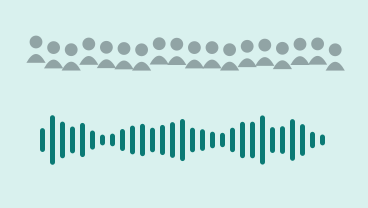
Audio noise reduction took a crowd of voices 10 dB down by 32 dB on Full and 18 dB on Gentle, with 38 of 41 words found before and after. Distant chatter is easy; a voice right next to the mic is not.
Where it does less
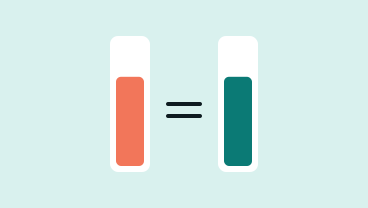
Under audio noise reduction, rain as loud as the speaker dropped by only 9 dB, because each hit lands on top of the words. A 60 Hz hum fell by 17 dB on Full. A fan as loud as the voice still fell by 36 dB.
Why Use This Audio Noise Reduction
In an editor, noise reduction means sampling a noise print, tuning amount and sensitivity, then fixing the level. Here it is one step, and you hear the audio noise reduction before you pay.
Hear your own file first
The free preview plays 30 seconds of the file you chose, so you judge the audio noise reduction on your recording, not on a demo.
Two strengths, both measured
Full took steady noise down by 26 to 32 dB in our tests. Gentle stopped near 18 dB every time, which keeps a little room sound and suits thin voices and old tape.
Level set after cleaning
Taking noise out makes a file quieter. Results come back near -16 LUFS, so the voice is not left too soft once the noise has gone.
Reduce noise in a video
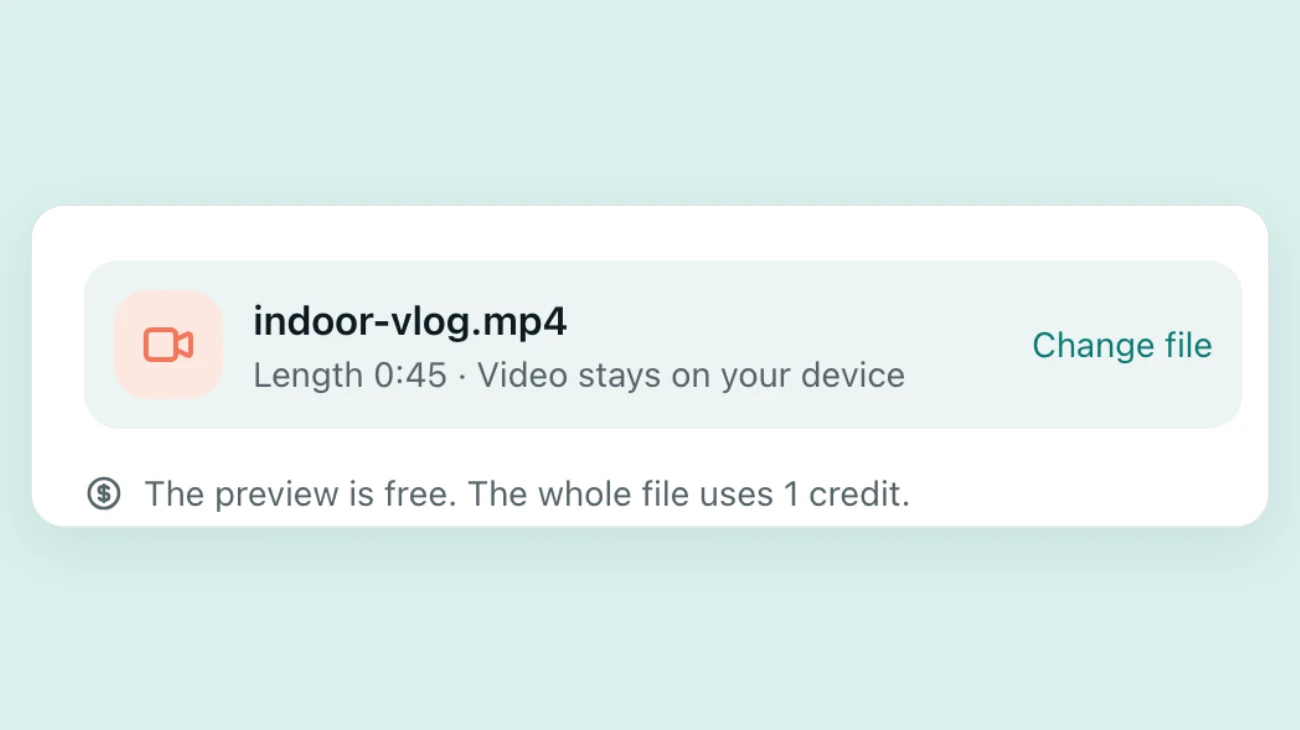
For a clip, the browser sends only the soundtrack and a few still frames to the audio denoiser. The footage stays on your computer or phone.
Picture left untouched
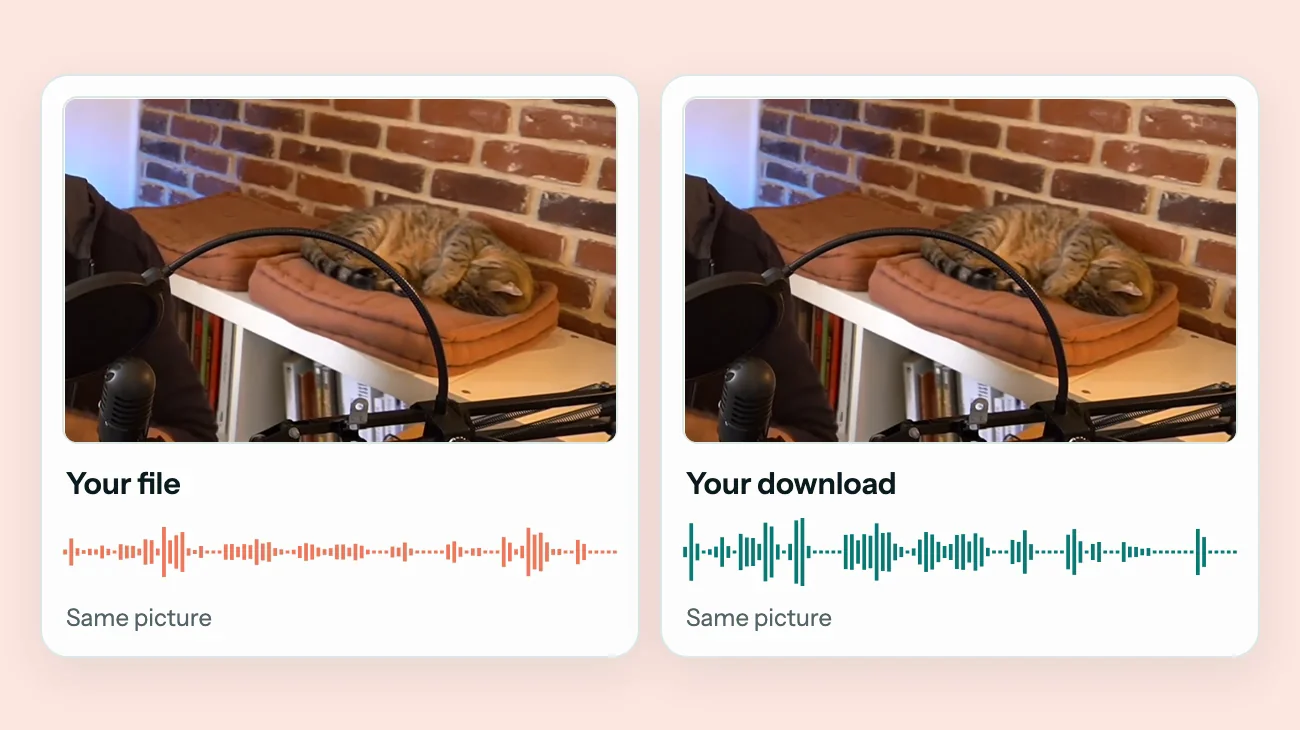
After audio noise reduction, the soundtrack goes back into the original file without compressing the picture again, so quality and sync stay as they were.
Before and after
Audio Noise Reduction: Before and After
Press play on three recordings before and after audio noise reduction. Both versions play at the same volume, so you hear the noise that went and not a change in level.
A chemistry lecture with steady room noise
A real classroom recording. The quietest moments dropped by 42 dB with Full audio noise reduction, and all 27 words stayed.
A talk recorded in the rain
Rain 28 dB lower in the pauses after audio noise reduction on Full. We mixed a real rain recording 10 dB under a clean talk ourselves.
A restaurant behind the speaker, Gentle
Plates and voices about 18 dB lower with Gentle audio noise reduction, and all 41 words found, against 38 in the noisy mix. We mixed the restaurant in ourselves.



Recordings: Chemistry Lecture Unit 1 (Internet Archive) (CC BY 3.0), stephan (rain, public domain); First Unitarian Church of Providence (talk) (CC0), stephan (restaurant, public domain); First Unitarian Church of Providence (talk) (CC0)
Noise Gate, Noise Print or AI Noise Reduction?
Three different tools are all called audio noise reduction. Knowing which one you need saves an afternoon of tweaking settings.

A noise gate
A gate mutes the track whenever it goes quiet and opens again when someone talks. The pauses go silent, but the noise under every word stays where it was.
Noise print reduction
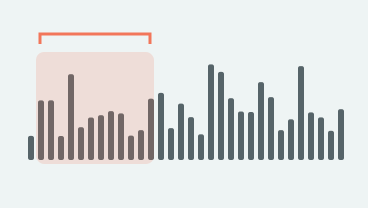
Desktop editors sample a stretch of pure noise and subtract that shape. It suits one steady noise, needs a clean gap to sample, and sounds watery when pushed hard.
AI audio noise reduction
What this page does. A model trained on speech keeps the voice and turns the rest down frame by frame, so changing noise like rain or a crowd goes down too.
FAQ
Questions About Audio Noise Reduction
Is this audio noise reduction online free?
You can hear it free. The preview runs free noise reduction on the first 30 seconds of your file with no account, a limited number of times per day. The full file uses credits, one per minute.
How much noise does audio noise reduction remove?
In our tests Full took steady noise 10 dB under the voice down by 26 to 32 dB, and Gentle by about 18 dB. Rain as loud as the voice dropped by only 9 dB.
Should I pick Full or Gentle?
Full for fans, air conditioning, traffic and hiss. Gentle for thin voices, phone calls, old tape, or when you want a little of the room to stay.
Do I need to record a noise sample?
No. This audio noise reduction recognises the voice, so it works on recordings with no silent gap and on noise that keeps changing.
Can I use it as an audio denoiser for music?
Not well. It is made for speech and treats instruments as noise, so music comes out thin. Use it on talking, not on songs.
Can I reduce noise in audio from a video?
Yes. Choose the video and audio noise reduction runs on its soundtrack only. The cleaned sound goes back into the same file, and the picture is not compressed again.
What happens to my files?
Uploads and results are deleted after 24 hours, and a video stays on your device. We never sell your files or train AI models on them.
A crowd cheering behind the speaker? See how to remove crowd noise from audio. A hum from a cable? Learn how to remove buzz from audio. Or open the main background noise remover. Saved as an MP3? See how to remove background noise from MP3. A fan or an air conditioner? Learn how to remove fan noise from audio. A flat hiss from a mic or a sound machine? See how to remove white noise from audio.

Try Audio Noise Reduction on Your File
Hear the first 30 seconds after audio noise reduction, free and with no account.
Choose a fileRelated pages
- Remove Static from AudioClean hiss, radio static and light crackle from a voice recording
- Remove Background Noise from VideoClean street, indoor, lecture and speech videos without re-encoding the picture
- Remove Wind Noise from VideoTurn down gusts, mic rumble and breeze in outdoor clips and keep the voice
- Remove Buzz from AudioTake 50 or 60 Hz hum and electrical buzz out from under a voice